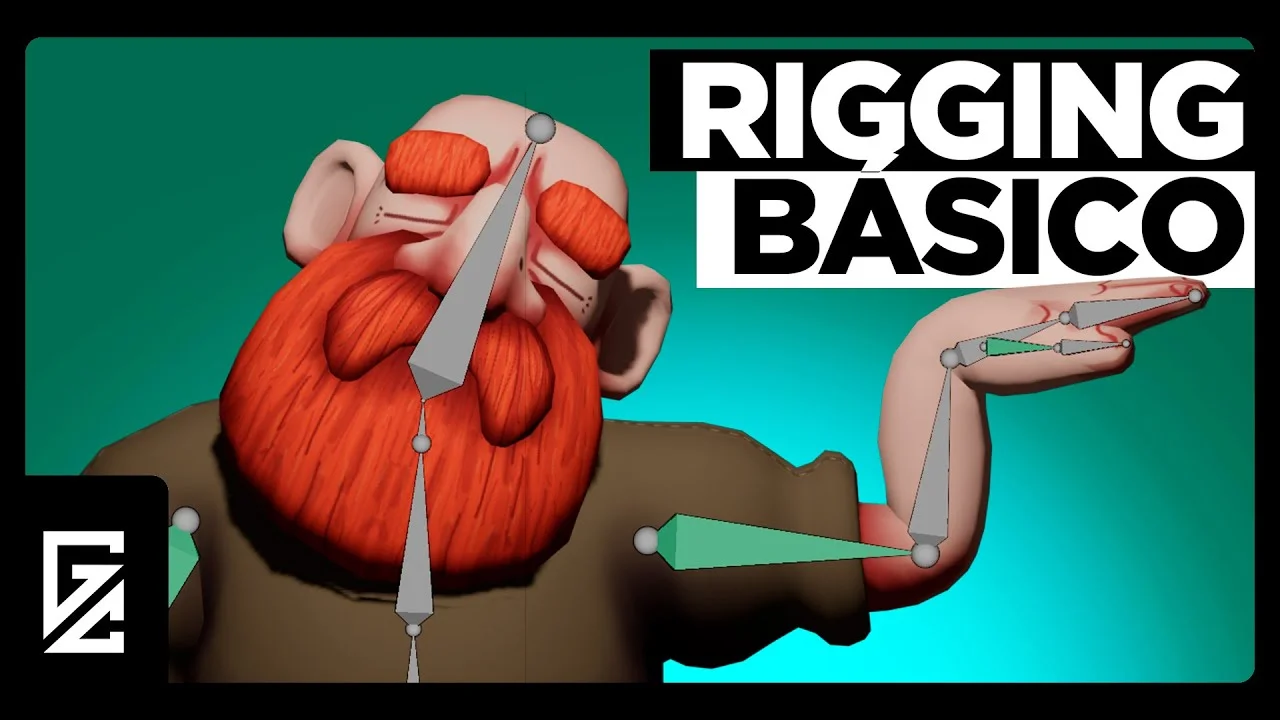
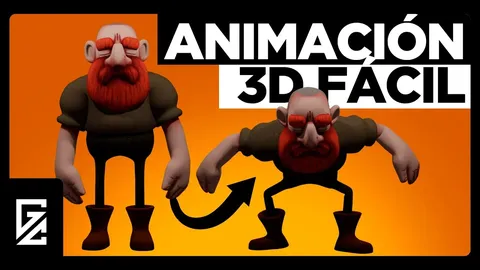
A Spanish-language tutorial covering the basics of rigging 3D characters in Blender. This video is the fourth part of a larger series focused on creating characters from scratch for video games.
The tutorial demonstrates the step-by-step process of adding bones and movement to a character mesh. Topics include creating a skeletal structure, connecting the skeleton to the mesh, establishing bone connections, and performing weight painting to correct mesh deformations. It covers essential rigging concepts, including the differences between Object, Edit, and Pose modes for armatures, as well as naming conventions for bone symmetry and linking techniques.
You might also like

Tutorial·£25

4.0 Tutorial·$25

5.0 Tutorial·$24.99
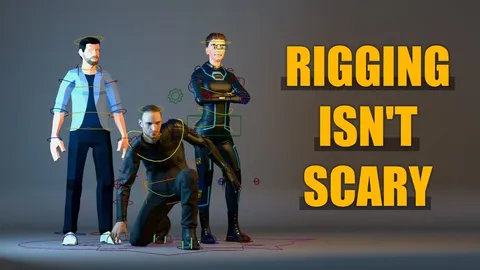
5.0 Tutorial·$12.99
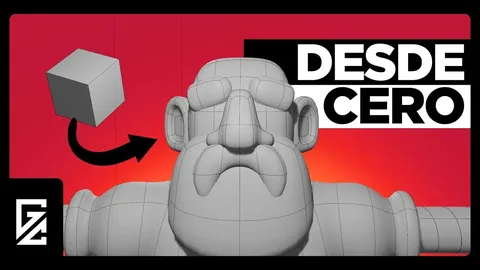

5.0 Tutorial·$1
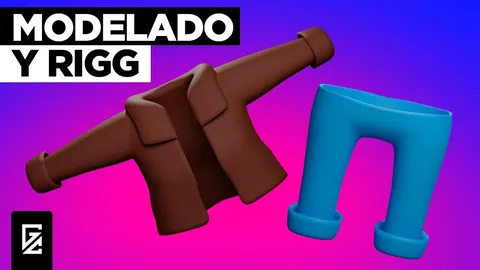
5.0 Tutorial·$1
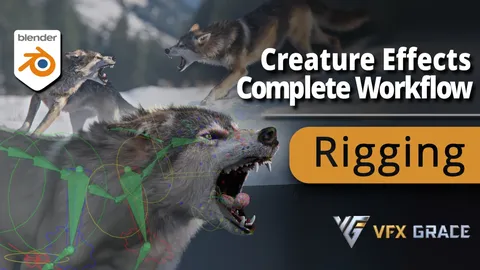

Tutorial·$158
5.0 Tutorial·$37.99
4.9 Tutorial·$1

Tutorial·$39
5.0 Tutorial·$1


5.0 Tutorial·$12