This course is designed to help Modo artists transition to Blender by translating familiar workflows and concepts into Blender's native toolset. Rather than heavily customizing the interface, the training focuses on using default shortcuts and built-in add-ons to achieve similar results to Modo's unique features, such as falloffs, action centers, and workplanes.
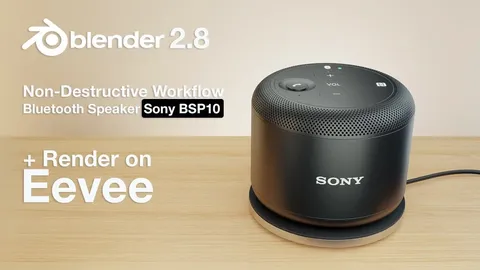
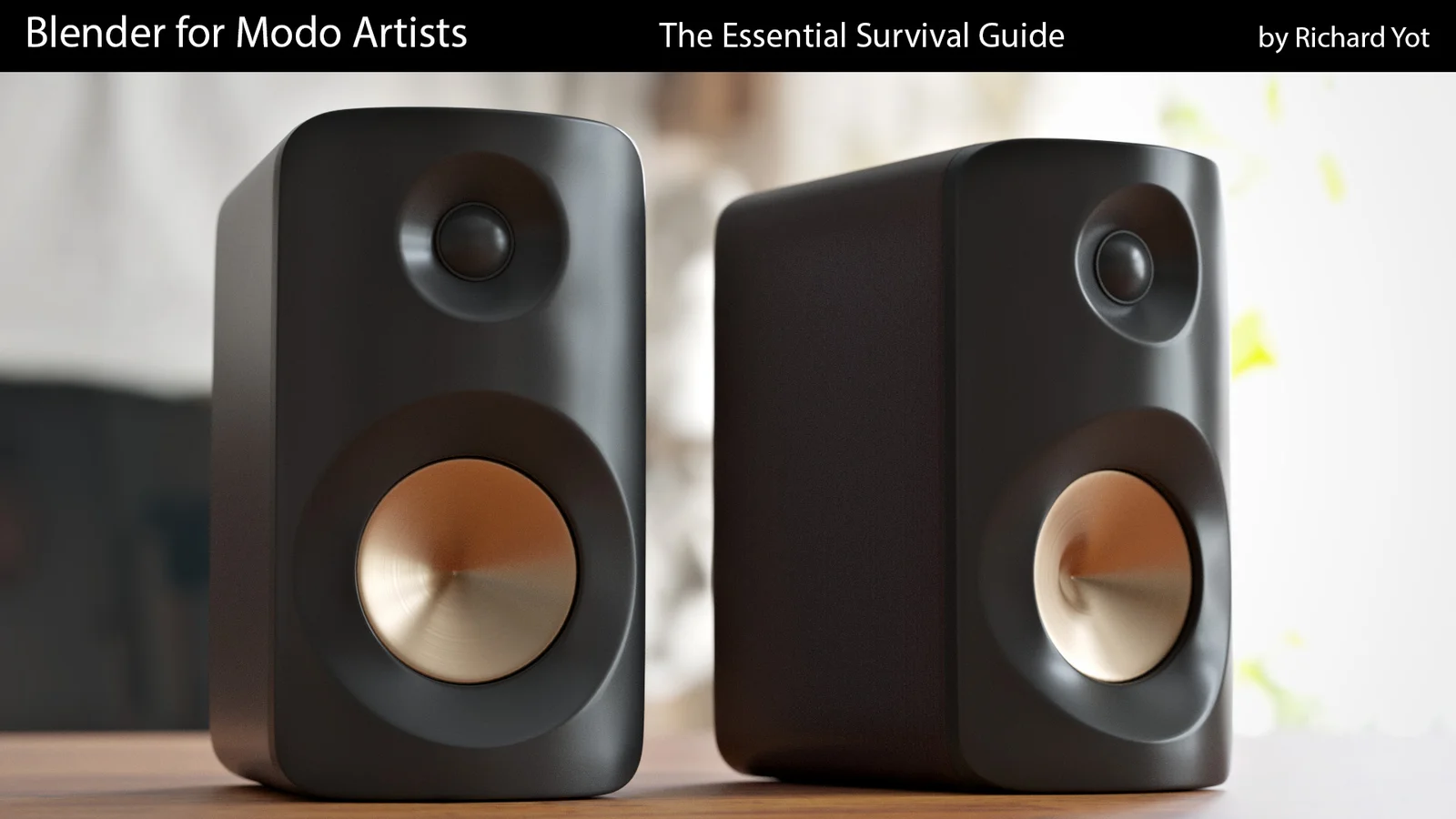
The training includes 22 videos with over three hours of runtime. Nineteen videos focus on specific tools and workflows, covering topics like bevels, selections, constraints, deformers, snapping, slicing, extruding, booleans, arrays, pie menus, and modifiers. The course concludes with a step-by-step project modeling a speaker using subdivision surfaces, followed by dedicated lessons on shading, texturing, rendering, and compositing.
You might also like