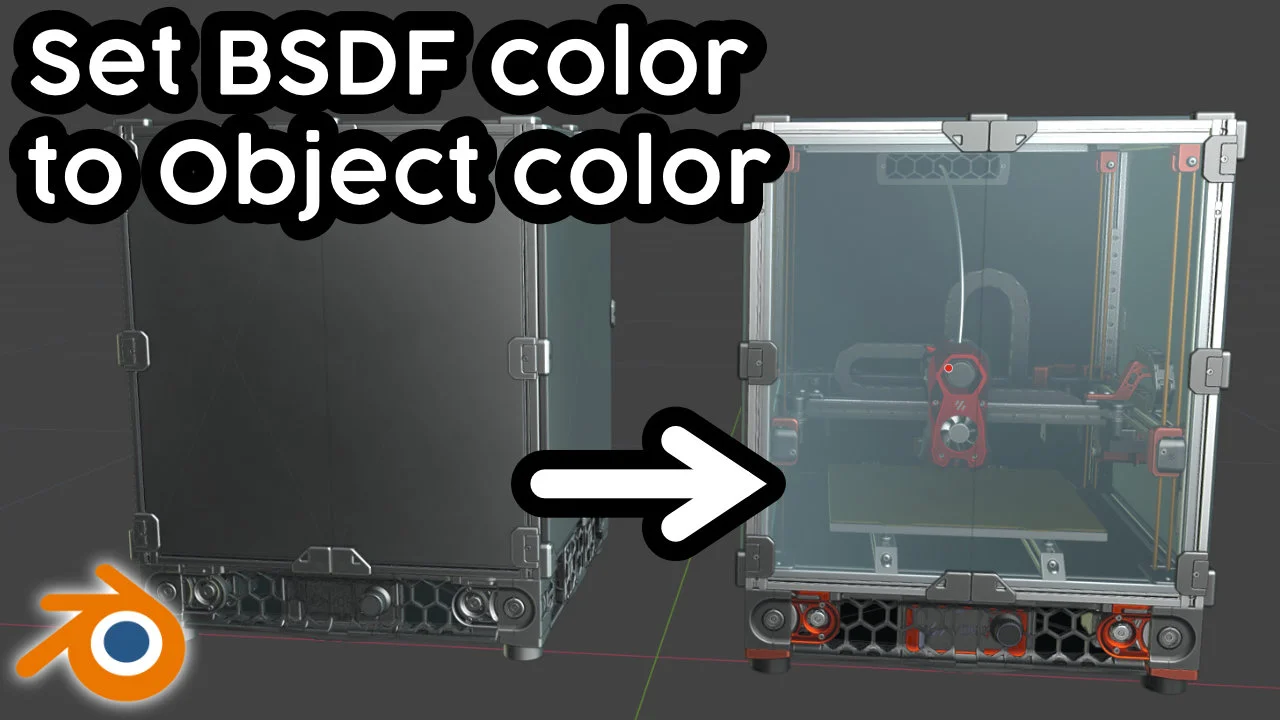
This add-on updates the viewport display color and alpha of selected objects to match the Principled BSDF color of their primary material. Located in the Edit tab of the N-panel, the tool provides options to replace only default colors or force an update across all selected items. It is particularly useful for visualizing large CAD assemblies in solid viewport mode, allowing materials to be distinguished without enabling texture or material preview modes.
You might also like

5.0 Addon·Free


4.0 Addon·$2

5.0 Addon·Free

5.0 Addon·$2


Addon·$2.99


Addon·$5


5.0 Addon·$7.99


1.0 Addon·$9

Addon·$10

5.0 Addon·Free


Addon·$18