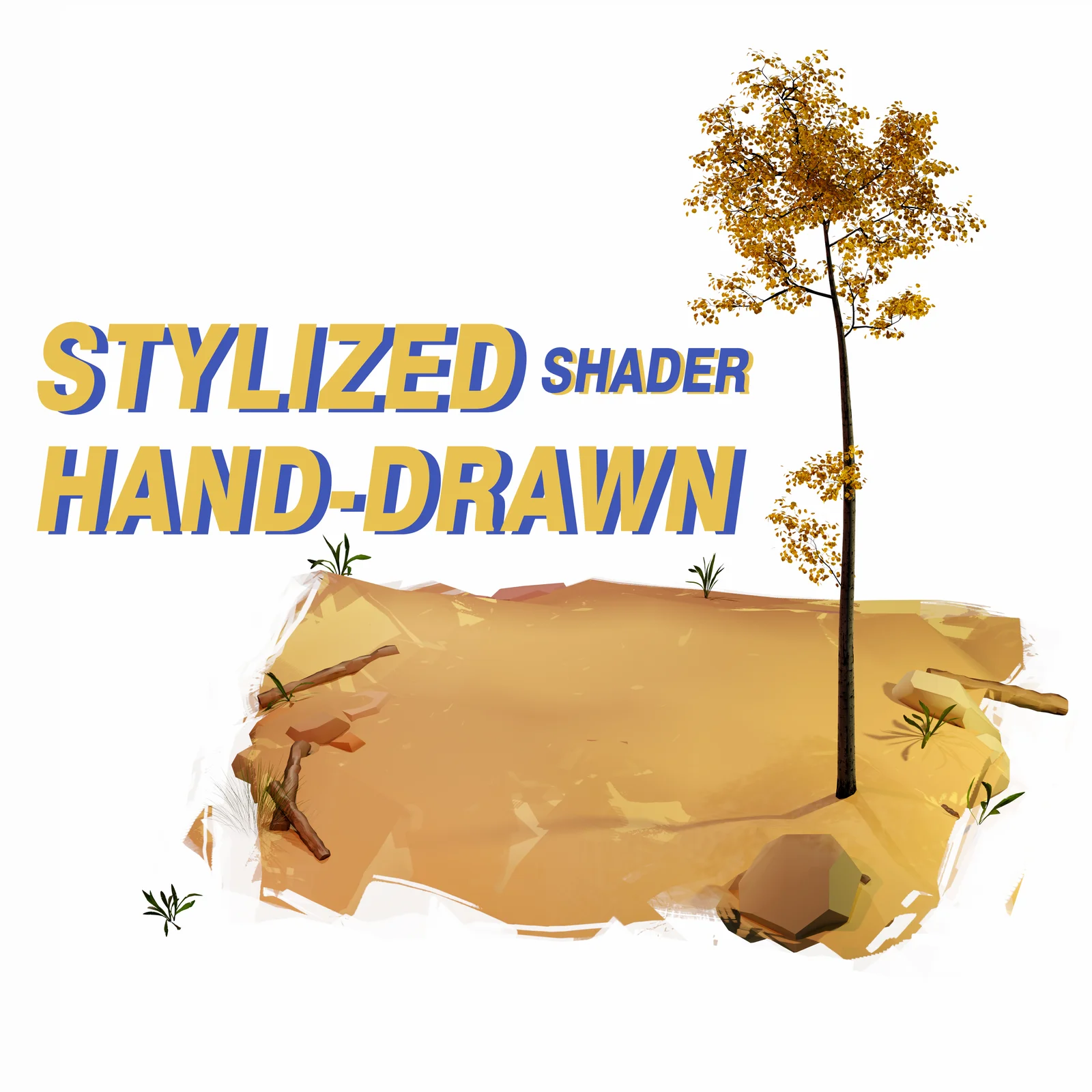
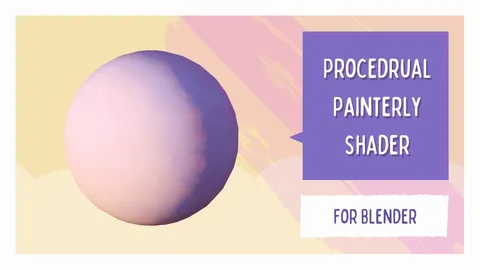
This material node setup allows users to create stylized, painterly graphics that mimic the look of digital brush strokes. The shader's coloring responds to the viewing angle, creating dynamic visual effects. Users can customize the primary and secondary colors directly within the node group.
The brush strokes and transparent edges can be modified by editing the included texture files. These black-and-white masks dictate the stroke patterns and transparency mapping, and can be edited using Blender's texture painting tools or an external image editor to customize the torn edge effects and stroke styles.
You might also like

5.0 Shader·Free

4.7 Shader·$15

4.9 Shader·Free

Shader·$5
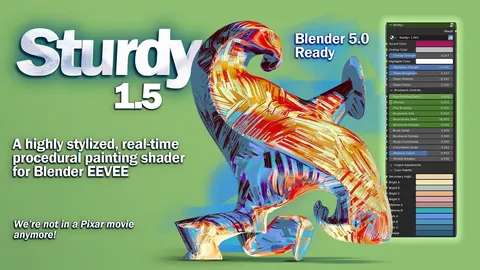

5.0 Shader·$14.99
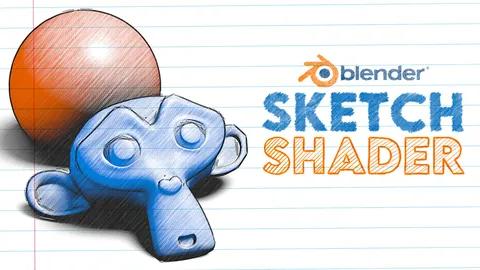

5.0 Shader·€3
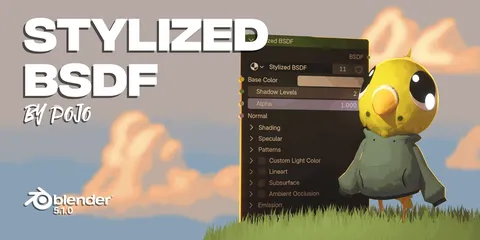

4.8 Shader·€8

5.0 Shader·$2

5.0 Shader·Free

Shader·$1

4.9 Shader·Free

5.0 Geo Nodes·£2