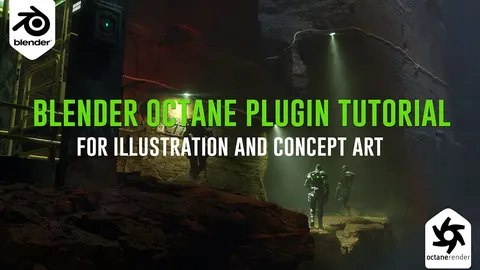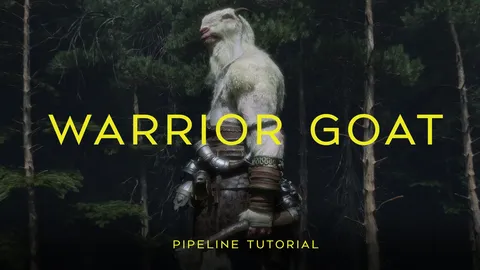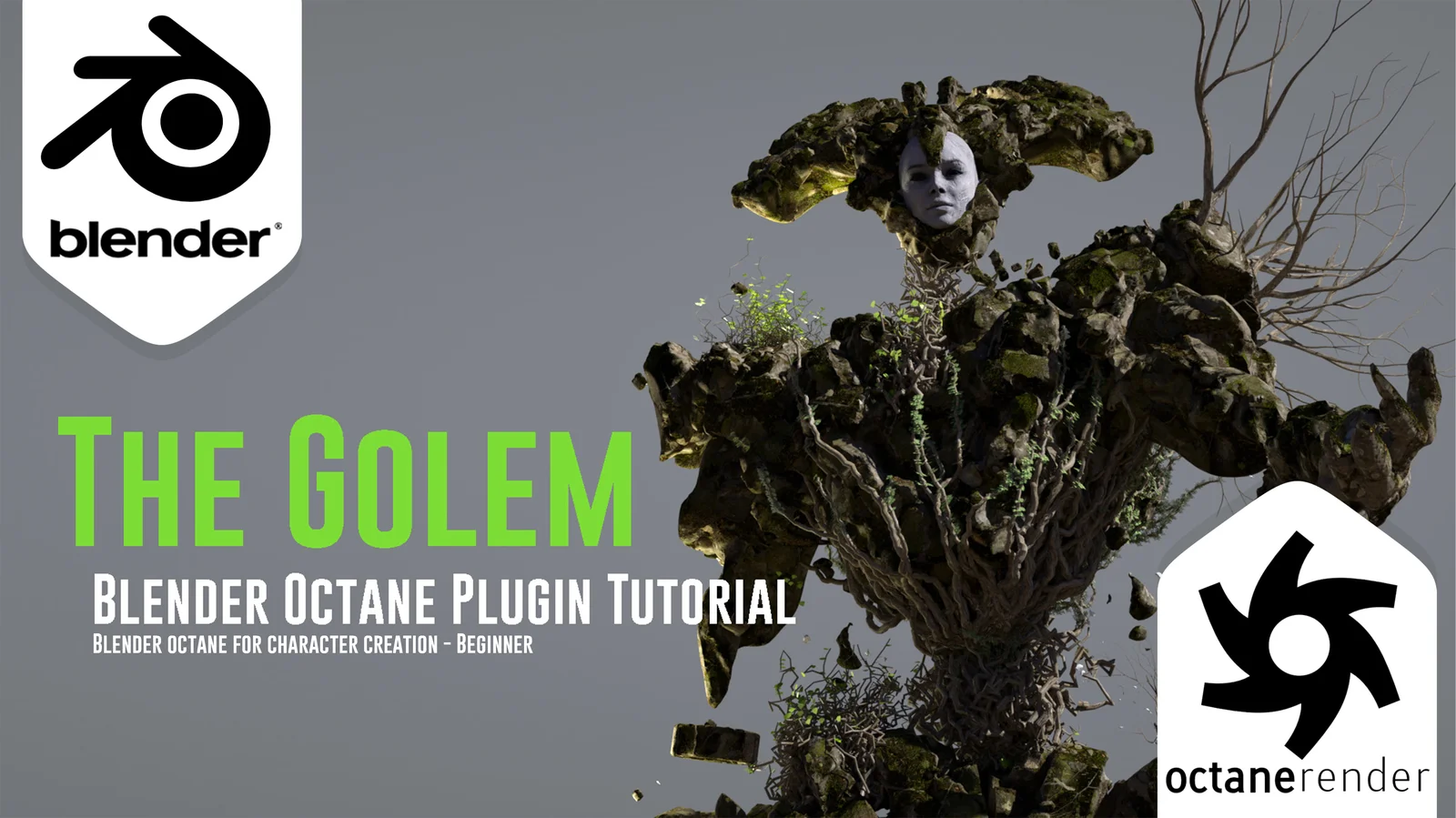
This tutorial covers the workflow for creating, posing, shading, and rendering a 3D character using the Blender Octane plugin. The course begins with a conceptual sculpting phase in 3D-Coat, followed by importing the model into Blender for posing using native add-ons.
The core of the instruction focuses on the Octane render engine. It demonstrates how to install the plugin, configure parameters, and set up the environment and workspace. Materials are created using Quixel Megascans, and the scene is detailed using the Sapling Tree Gen and Ivy Gen add-ons. Final sections cover camera setup, lighting, rendering passes, and an overview of kernels for image enhancement. The package includes 90 minutes of narrated instruction, a 30-minute timelapse of the initial sculpt, the resulting OBJ file, and the final blend file.
You might also like