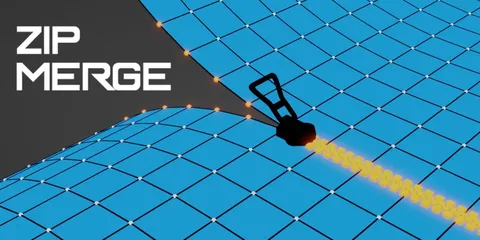
This add-on provides a visual way to merge geometry elements by clicking and dragging them over one another. Inspired by similar tools in other 3D applications, it eliminates the need to navigate traditional menus or prepare selections beforehand. Users can hold the ALT key to merge towards the center or collapse edges.
The tool supports merging multiple vertices or faces simultaneously, though edge-loop merging is currently unsupported. It operates in two modes: as a standard active tool accessed from the toolbar, or via a "Fast Weld" hotkey for quick, on-the-fly merging. Hotkeys set within the add-on preferences automatically take priority over Blender's default keymaps. Additionally, the visual appearance of the tool interface, including color, size, and line thickness, can be customized.
You might also like