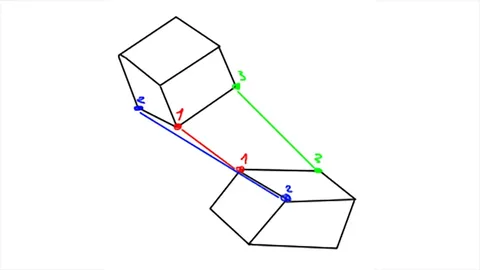
Attach Align provides operators to snap and align isolated geometry parts within Blender's Edit mode. The tool allows users to place one geometry on top of another by selecting a source and destination face. Once attached, users can select edges on both parts to rotate and align the source geometry accurately.
The tool natively supports Blender's multiple-object editing workflows, enabling alignments between separate objects when both are in Edit mode simultaneously. An optional connection setting automatically bridges the connecting faces between geometries after an attach or align operation. Additionally, an edge slide function permits sliding a selection of geometry along a specific edge direction.
You might also like

5.0 Addon·$6


5.0 Addon·$4

5.0 Addon·$10
5.0 Addon·Free
5.0 Addon·Free


2.3 Addon·$9

5.0 Addon·$10

4.6 Addon·€10

5.0 Addon·Free

5.0 Addon·Free

Addon·$15
4.9 Addon·Free