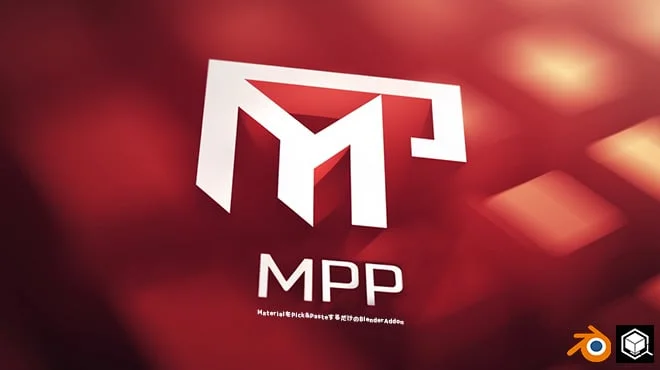
Material Pick & Paste provides a streamlined workflow for copying and applying materials across objects in Blender. By utilizing customizable keyboard shortcuts, users can instantly grab a material from the surface directly under their mouse cursor.
The copied material can then be applied to any other surface simply by targeting it with the mouse. If the cursor is positioned over an empty space, the add-on defaults to applying the material to the currently selected object. The tool supports multiple object types, including meshes, curves, text, metaballs, and NURBS.
You might also like

5.0 Addon·$7.99

1.0 Addon·$9

5.0 Addon·$9

Addon·$18

5.0 Addon·Free+

5.0 Addon·€5

Addon·$12.95

4.9 Addon·Free

Addon·$8

5.0 Addon·Free

5.0 Addon·$12

5.0 Addon·Free