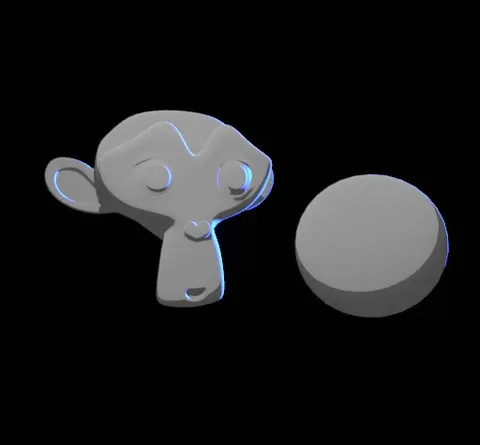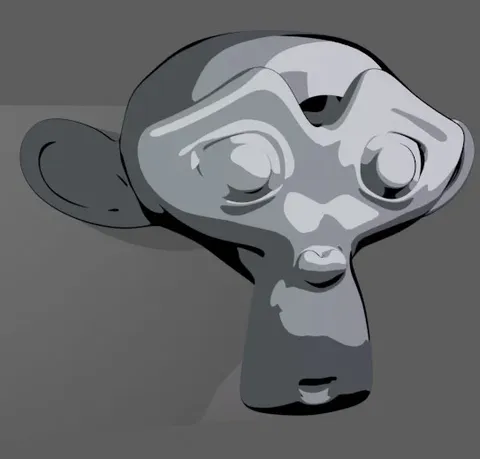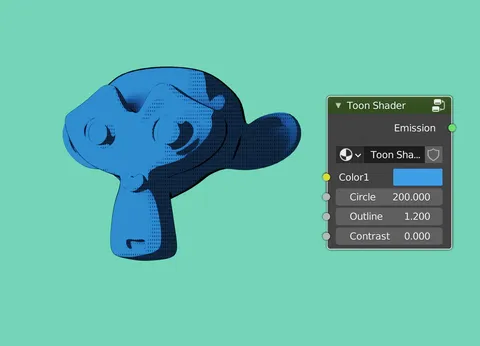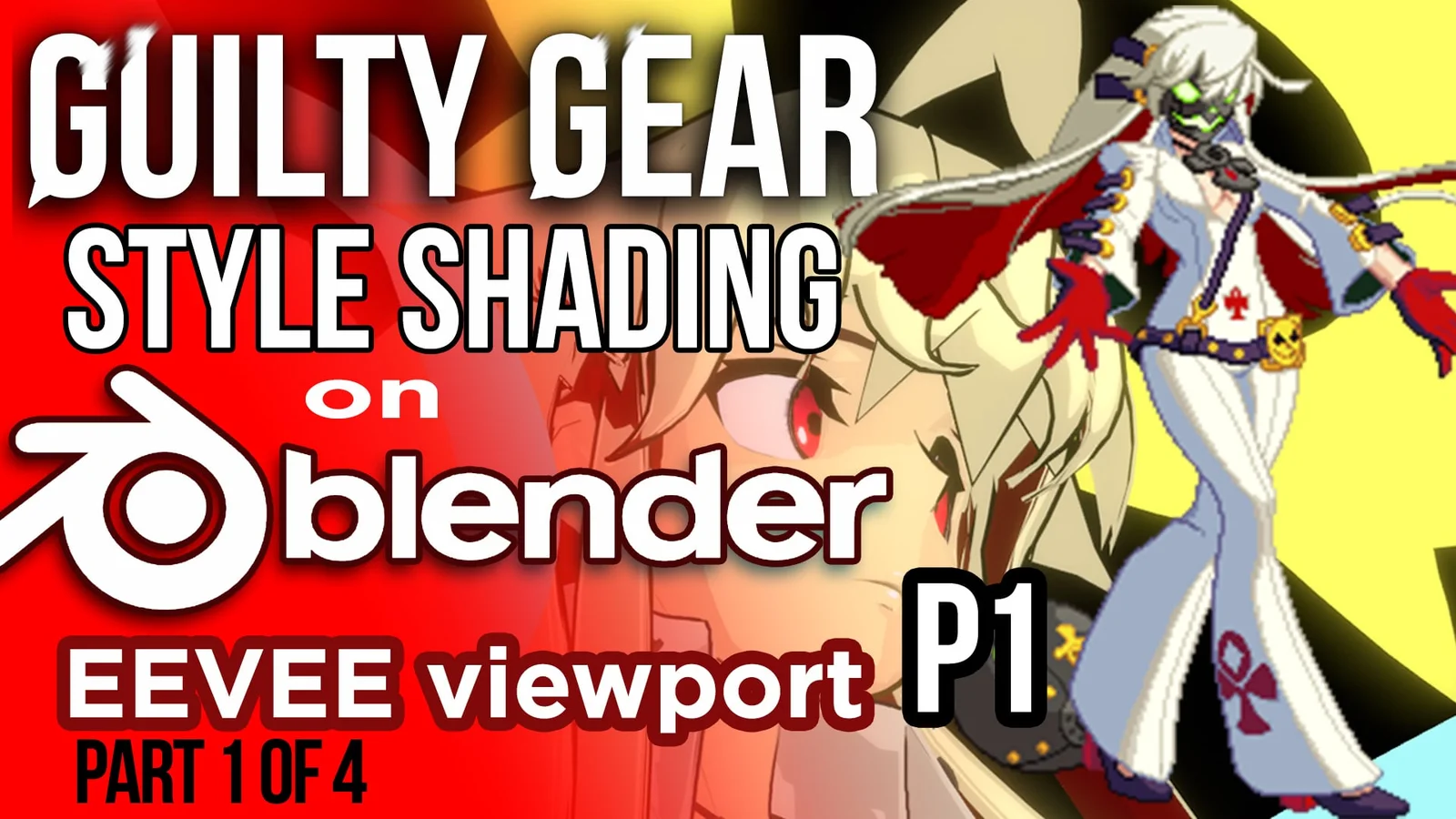
This tutorial explores how to recreate the stylized toon shading techniques used in Guilty Gear within Blender's EEVEE render engine. The video covers methods originally developed in Softimage and adapts them for real-time rendering in Blender. Topics include modeling for flat shading, configuring Freestyle for outlines, manipulating normals, and setting up various shader passes for post-processing.
The guide also demonstrates techniques for creating specific stylized elements like hair materials, decals, and emission textures. Additional workflows covered include utilizing Grease Pencil for effects, vertex painting for mask factors, and exporting render passes such as shadow, ramp, normal, and highlight passes for compositing workflows in After Effects.
You might also like