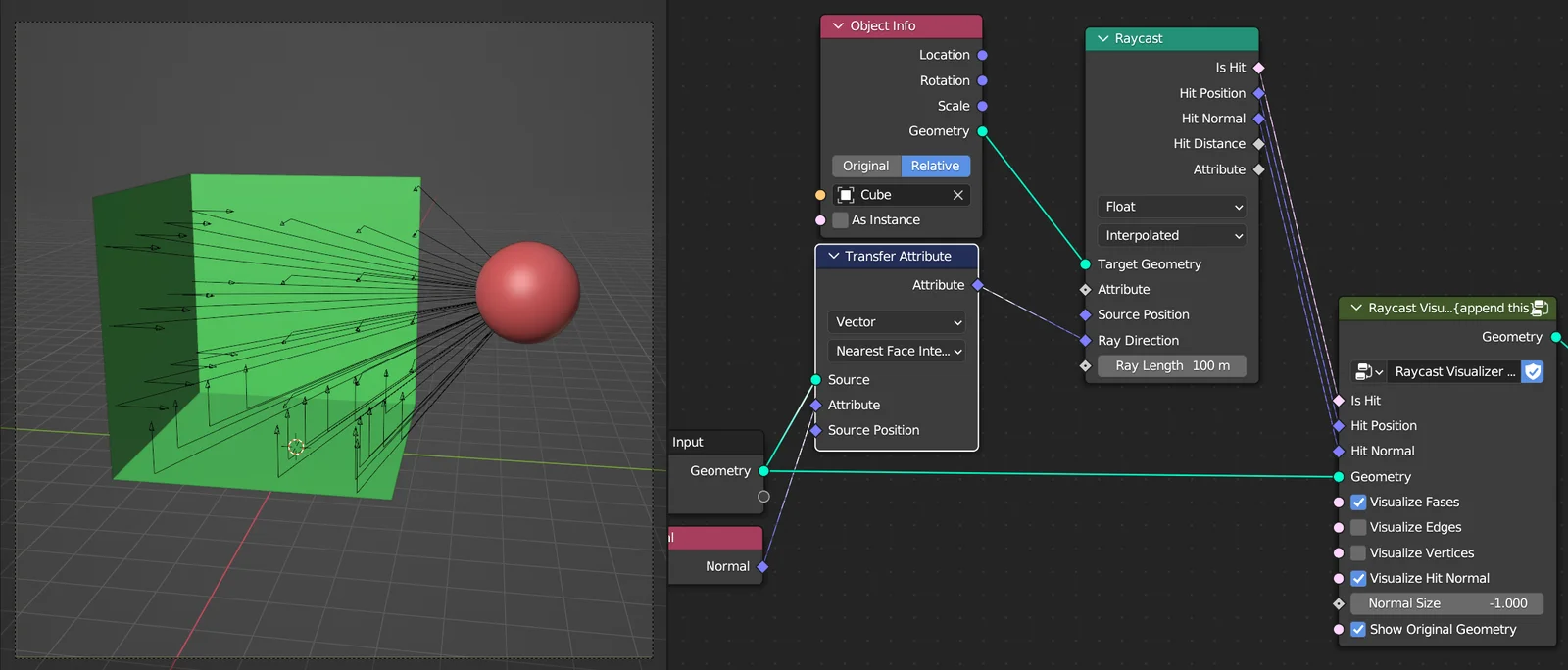
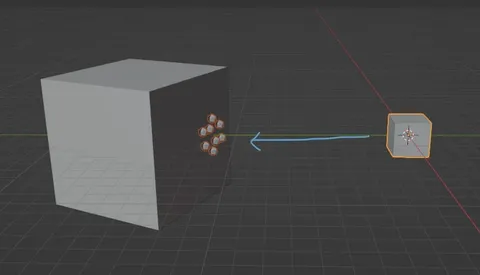
This Geometry Nodes utility provides a visual representation of raycast operations. By connecting the outputs of a Raycast node—specifically Is Hit, Hit Position, and Hit Normal—users can see the exact paths of rays cast from any source geometry. The system includes independent toggles to display rays originating from the centers of faces, edges, or vertices of the source mesh.
Additionally, it offers an option to display the hit normal as a secondary ray at the impact point, complete with adjustable scaling for better visibility. Users can also choose to display the original source geometry alongside the ray visualization to maintain context while debugging complex node setups.
You might also like

5.0 Geo Nodes·$2

5.0 Geo Nodes·Free

5.0 Geo Nodes·Free

Geo Nodes·$2
Geo Nodes·$5

5.0 Geo Nodes·Free

4.9 Geo Nodes·Free

Geo Nodes·Free

4.1 Geo Nodes·$1

Geo Nodes·$2
5.0 Geo Nodes·$2

5.0 Geo Nodes·Free