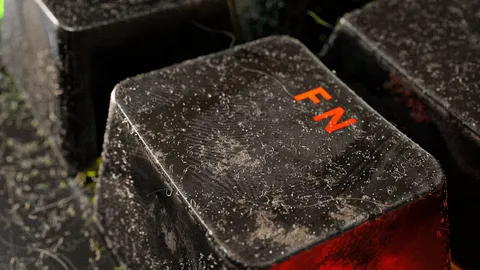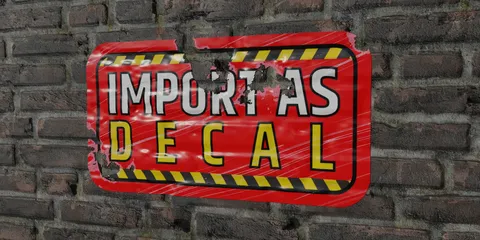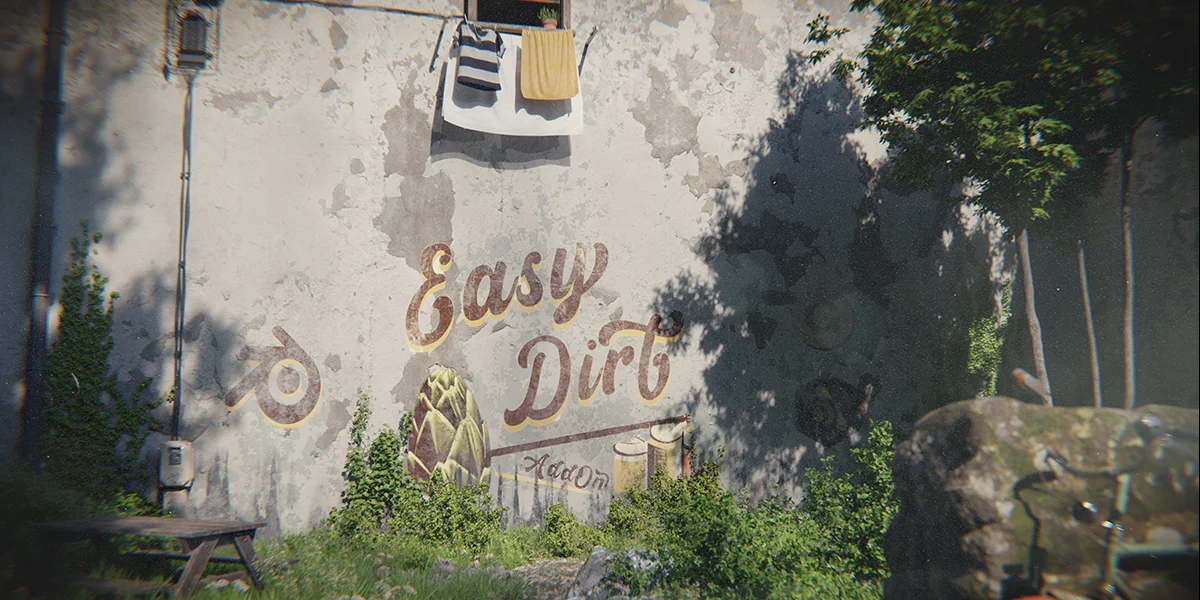
Easy Dirt is an add-on that allows users to place image textures into localized areas of an object's shader in 3D space. Installed through the viewport sidebar, it works by adding dirt textures to the active material of a selected object.
Users specify the placement of the dirt texture by defining a bounding box in edit mode, which is most effective on low-curvature surfaces. The add-on provides parameters to adjust the blending of the dirt with the original texture, including a multiplicative noise function with scale and detail controls. Additional settings allow manipulation of the dirt's roughness, as well as the image's scale, location, and rotation. The tool also includes options to edit the bounding box after placement, view the dirt layer in isolation, toggle the bounding box guide, and remove the dirt layer.
You might also like