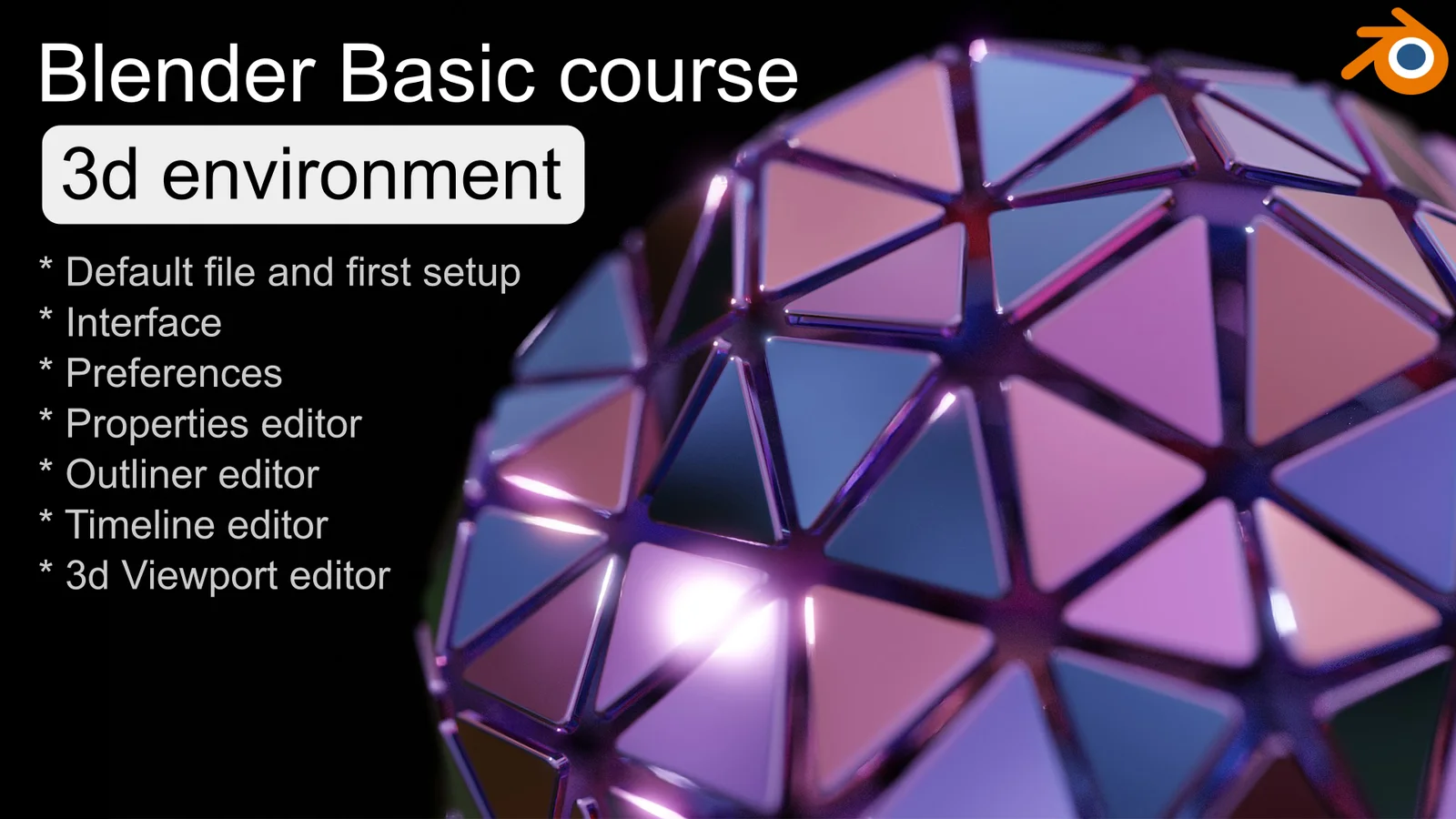
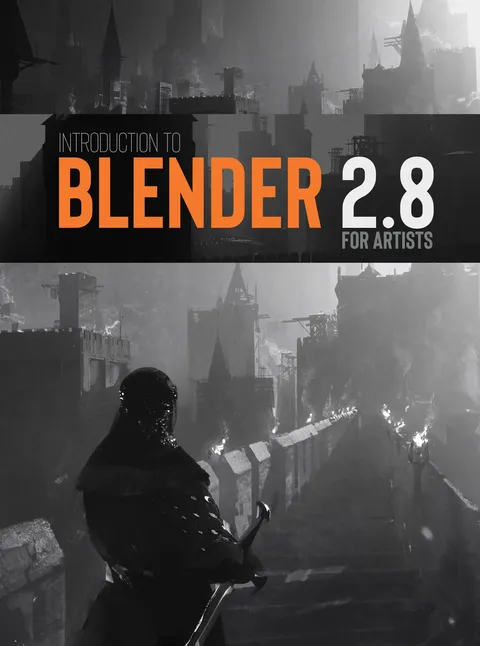
This tutorial package covers the fundamental aspects of navigating and configuring the Blender interface. It focuses on the essential knowledge required to begin using the software for 3D projects, omitting overly detailed explanations of advanced features.
The course content includes video lessons on the default startup file, file management, and workspaces. It also provides instruction on interacting with the user interface, adjusting preferences such as add-ons and shortcut keys, and navigating the 3D viewport. Additional topics cover the properties editor, outliner, and timeline.
You might also like

5.0 Tutorial·$50


5.0 Tutorial·$5

5.0 Tutorial·$29


4.8 Tutorial·Free

4.8 Tutorial·$1

Tutorial·€100


5.0 Tutorial·$1.49
4.9 Tutorial·Free

5.0 Tutorial·$59


5.0 Tutorial·$10

Tutorial·$20

4.9 Tutorial·$19