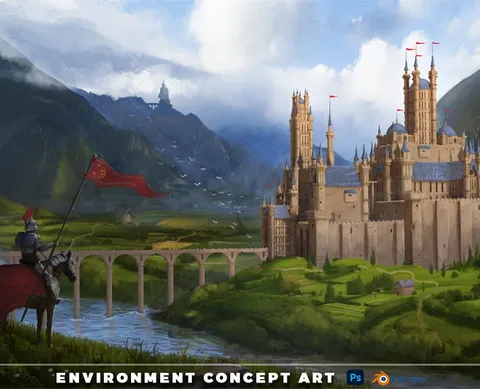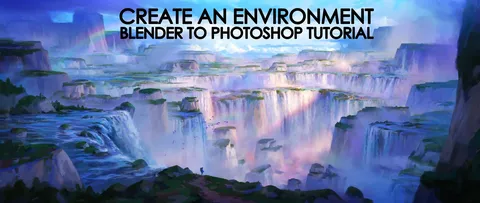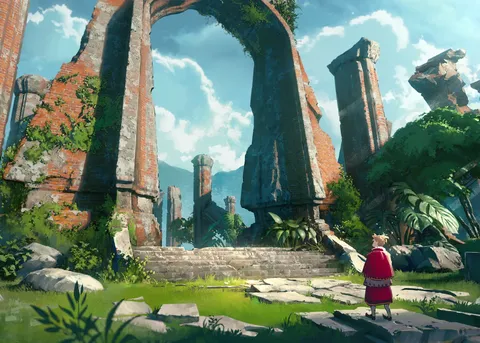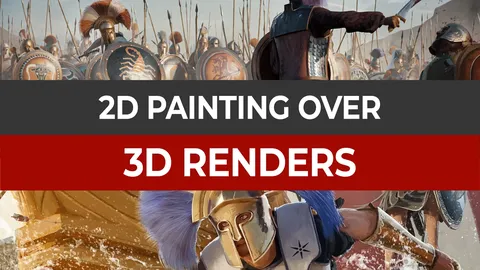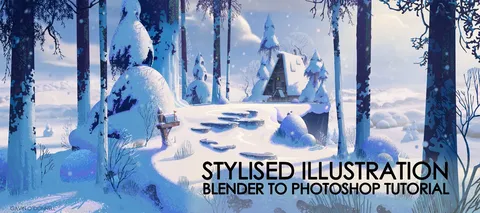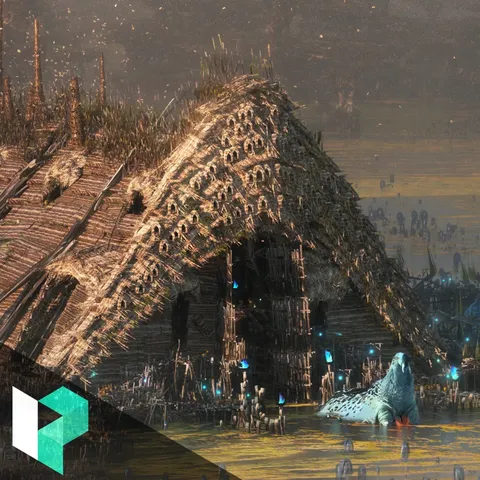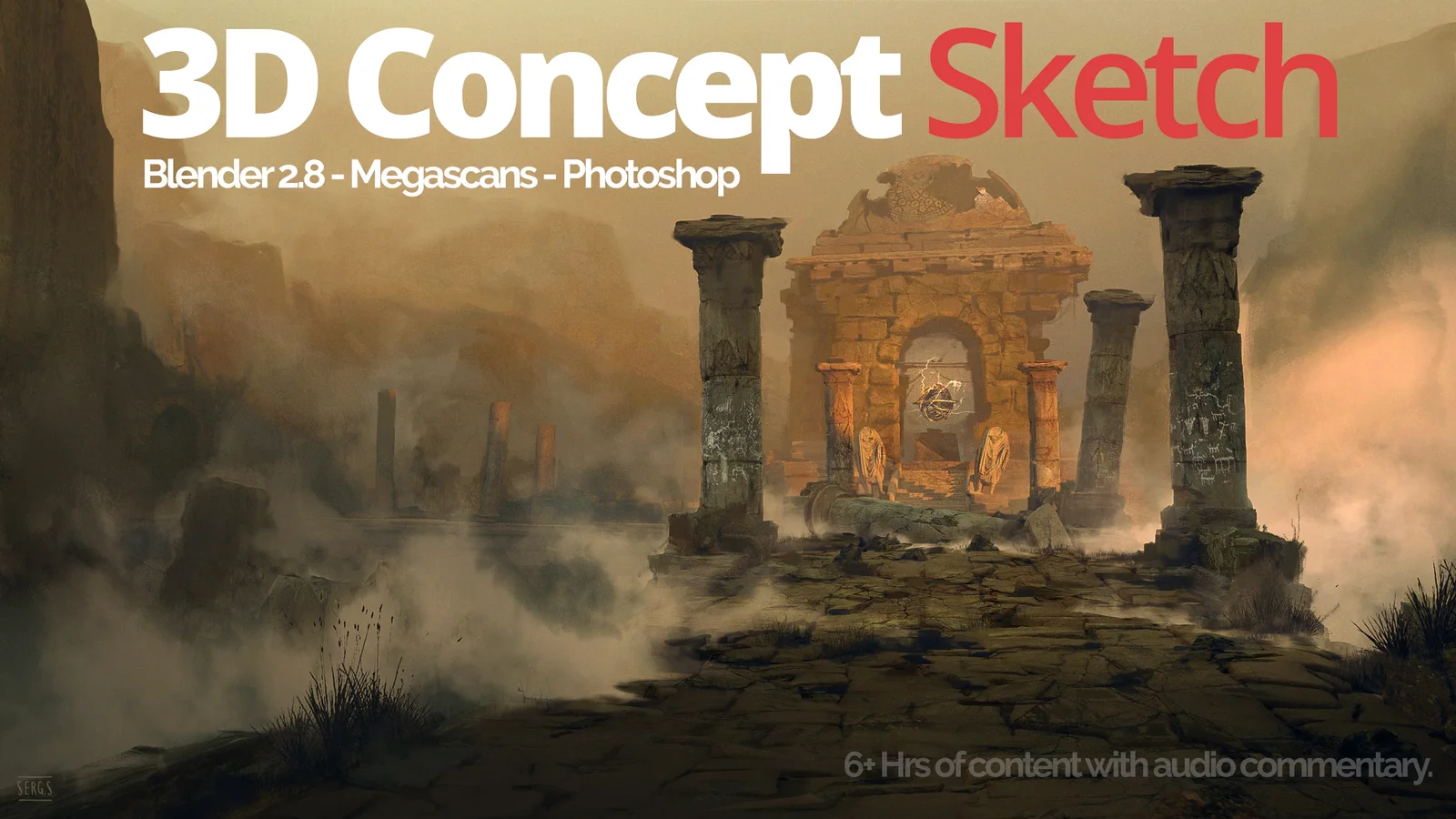
This tutorial demonstrates a complete concept art workflow starting with 3D scene creation and finishing with 2D digital painting. The instruction focuses on setting up scenes intended specifically as bases for paintovers and matte paintings. In the 3D portion, the course guides you through scene building utilizing the Megascans library, configuring lighting with add-ons, and adjusting render settings and atmospheric fog to generate useful base passes.
The process then moves to external image editing software, where the rendered layers are imported to evaluate composition and lighting. The 2D phase covers integrating photographic elements through photobashing techniques, image cleanup, detailing, and digital painting to produce a final concept illustration. The package includes eight video files totaling over six hours of runtime, along with the final layered image file.
You might also like