
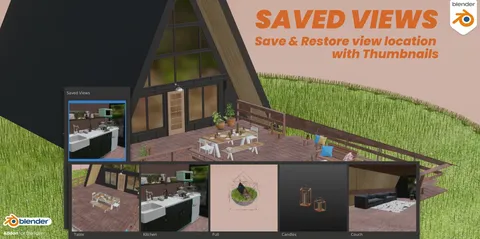
Surveillance adds a user interface within the 3D viewport that displays live preview thumbnails for all cameras present in a scene. Users can switch the active camera directly by clicking these thumbnails rather than selecting them from the Outliner. The interface offers two display layouts: a filmstrip mode and a tiled mode, both accessed through the Viewport View menu.
In addition to camera selection, the tool provides operators to quickly add, delete, and rename cameras directly from the thumbnail interface.
You might also like


Addon·$10


5.0 Addon·$5.99

Addon·$5

5.0 Addon·$15


Addon·Free


Addon·Free


5.0 Addon·Free


5.0 Addon·Free

Addon·Free

Addon·Free