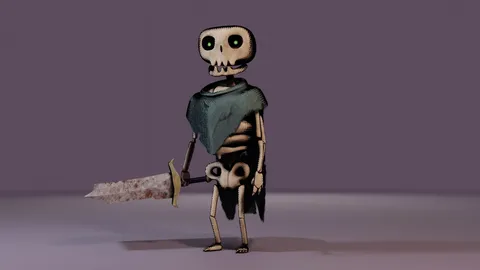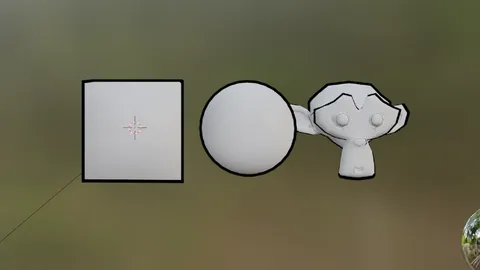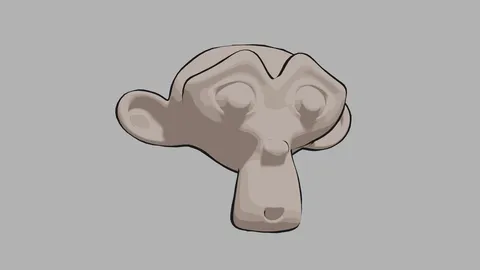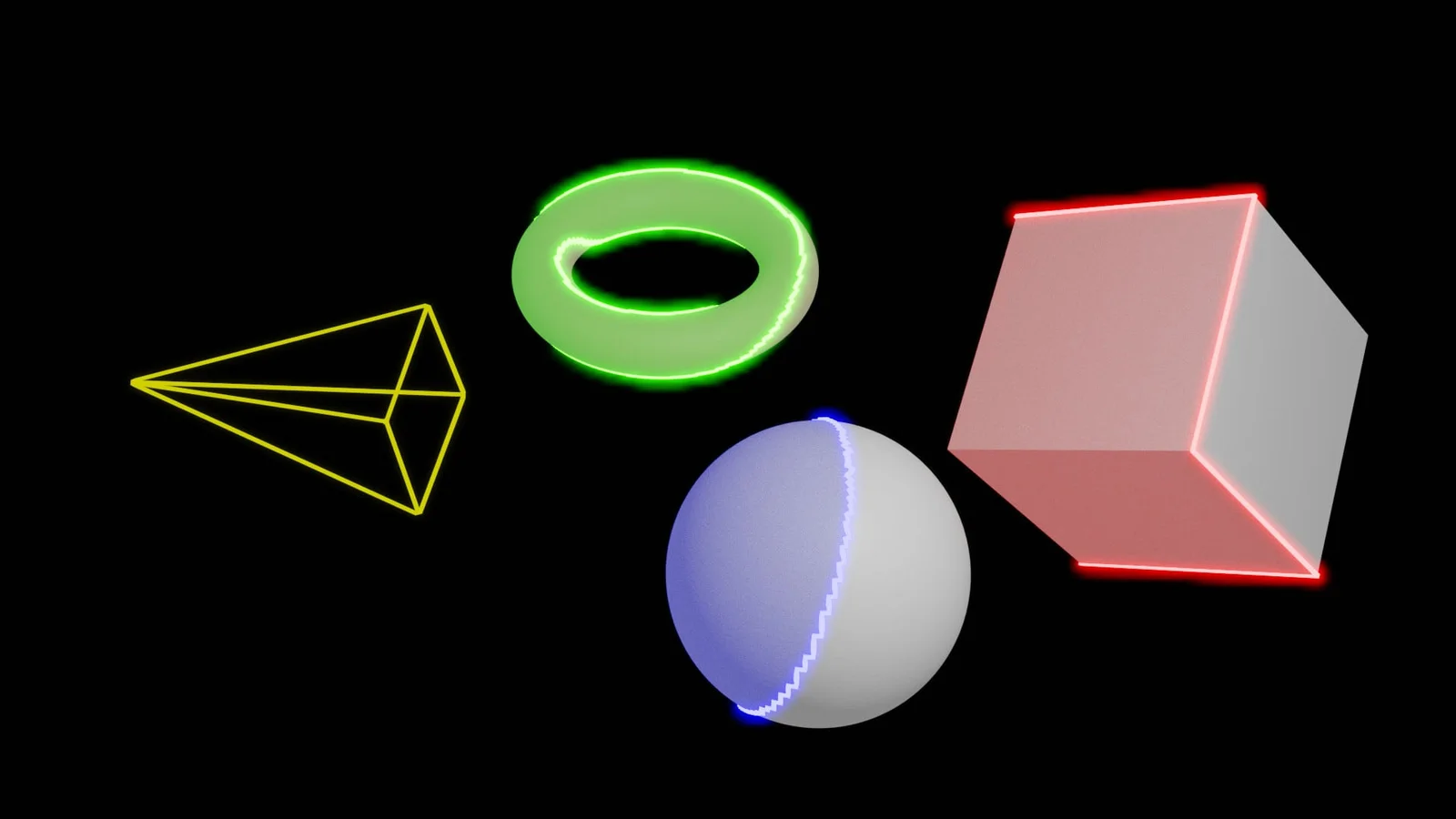
This geometry nodes setup provides a procedural method for highlighting and outlining objects or entire collections in Blender. It features controls for customizing the fill and border colors, adjusting the emission strength of the border, and modifying the transparency of the fill. The border can be animated using trim start and end parameters, and the direction of the border curve can be inverted.
The system allows users to offset the highlight mesh from the original geometry and change the border radius. Advanced operations are supported, including nesting the system to control multiple objects simultaneously with different parameters, and overlaying multiple highlight systems on a single mesh. Two project files are included: a base file for appending or linking the highlight object, and an animated example file.
You might also like