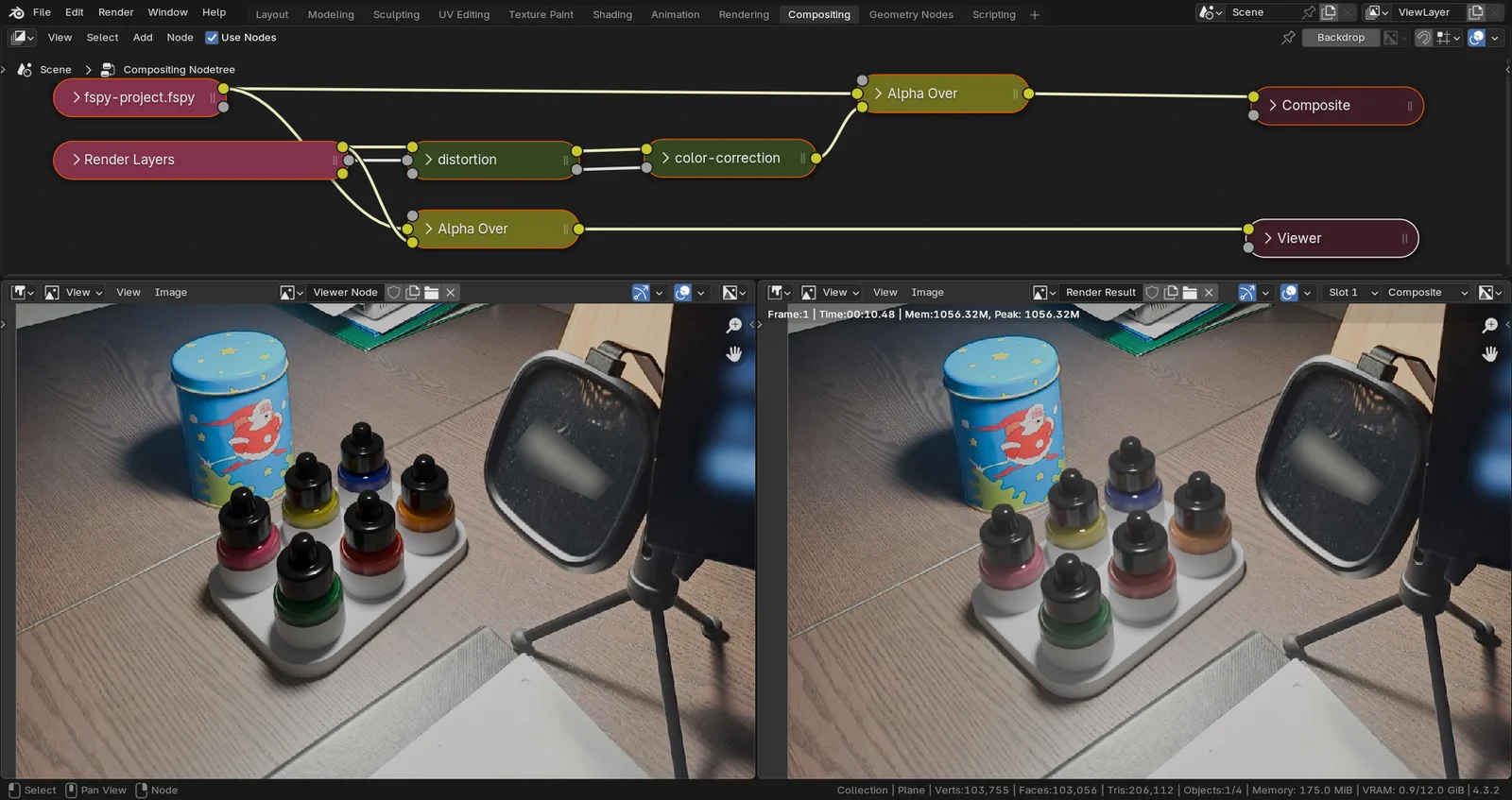
This tutorial covers the final steps of a photo compositing project in Blender 4.x. It focuses on using the Compositor to integrate a 3D model into an underlying photograph. The guide explains how to apply color correction to match the 3D model to the original image accurately and how to implement lens distortion. Additionally, it details the process of isolating the Shadow Catcher pass to process shadow information separately for greater control over the final composite.
You might also like

Tutorial·Free
Tutorial·Free
Tutorial·Free
Tutorial·Free
Tutorial·Free
Tutorial·Free
Tutorial·Free
Tutorial·Free