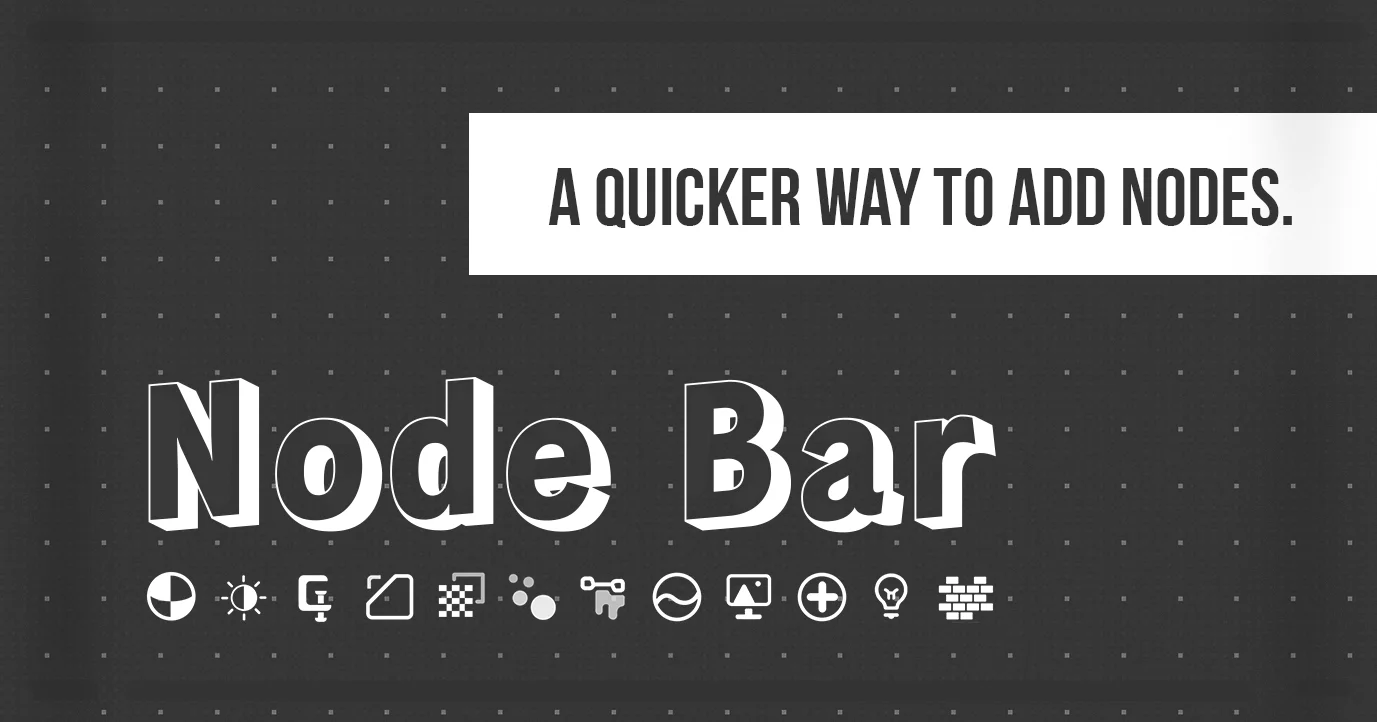
Node Bar provides an icon-based interface for adding nodes in the Shader Editor. Instead of using the standard search or drop-down menus, users can click and drag nodes directly from visual palettes. The add-on features two main modes: a customizable Mini Bar where users can group and label their frequently used nodes across multiple rows, and a Full Bar that displays all available shader nodes in up to three rows. The interface can be summoned via a hotkey, resized with the middle mouse button, and moved using the right mouse button. Configuration is handled through the Shader Editor N-Panel. This tool currently supports only the Shader Editor and does not include Geometry Nodes functionality.
You might also like

5.0 Addon·Free

5.0 Addon·Free

5.0 Addon·Free

Addon·Free
Addon·$15

5.0 Addon·$15

5.0 Addon·Free

Addon·$10


5.0 Addon·$20

5.0 Addon·€5
Addon·$5
