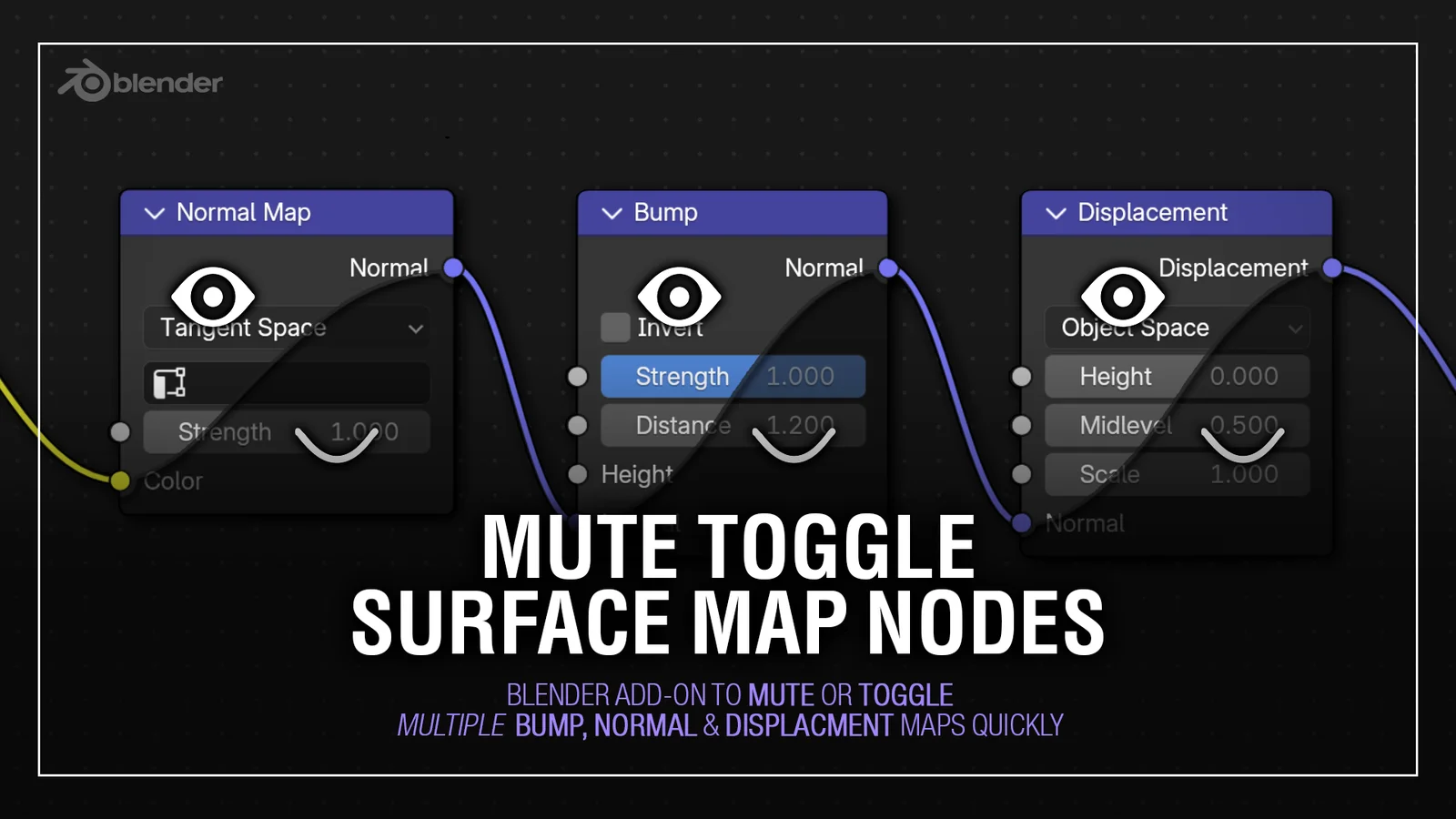
This addon adds a panel to the Tools tab in the Shader Editor and 3D Viewport, providing operators to mute, unmute, or toggle surface map inputs. It specifically targets bump, normal, and displacement nodes, allowing you to bypass calculation-heavy node trees like procedural noise textures when they slow down viewport performance.
Actions can be applied to the materials of your currently selected objects or globally to all visible objects in the scene. The tool includes keyboard shortcut support and preserves the state of manually muted nodes when using the toggle function. By default, buttons target normal and bump nodes, while Alt-clicking applies the operators directly to displacement nodes. It supports meshes alongside other material-holding object types like curves and text.
You might also like