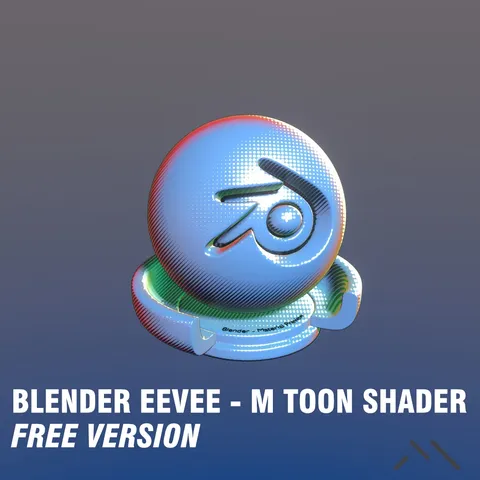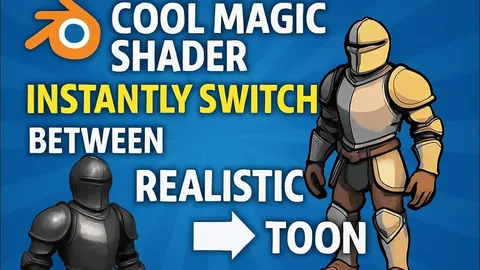
Cool Magic Shader provides a streamlined workflow for managing materials, outlines, and lighting that seamlessly transitions between realistic and toon rendering modes. Located in the N-Panel, the addon includes an initialization tool to instantly import necessary toon lighting setups and custom shader nodes into a project.
The core mechanic relies on a versatile custom shader node that holds separate properties for both rendering styles, such as base color, shadow intensity, highlight color, metallic, and roughness values. Users can toggle the entire scene's render style with a single click. When in toon mode, the N-Panel interface exposes global controls for ambient light color and outline collection properties, including thickness, opacity, and procedural noise for a hand-drawn effect.
You might also like