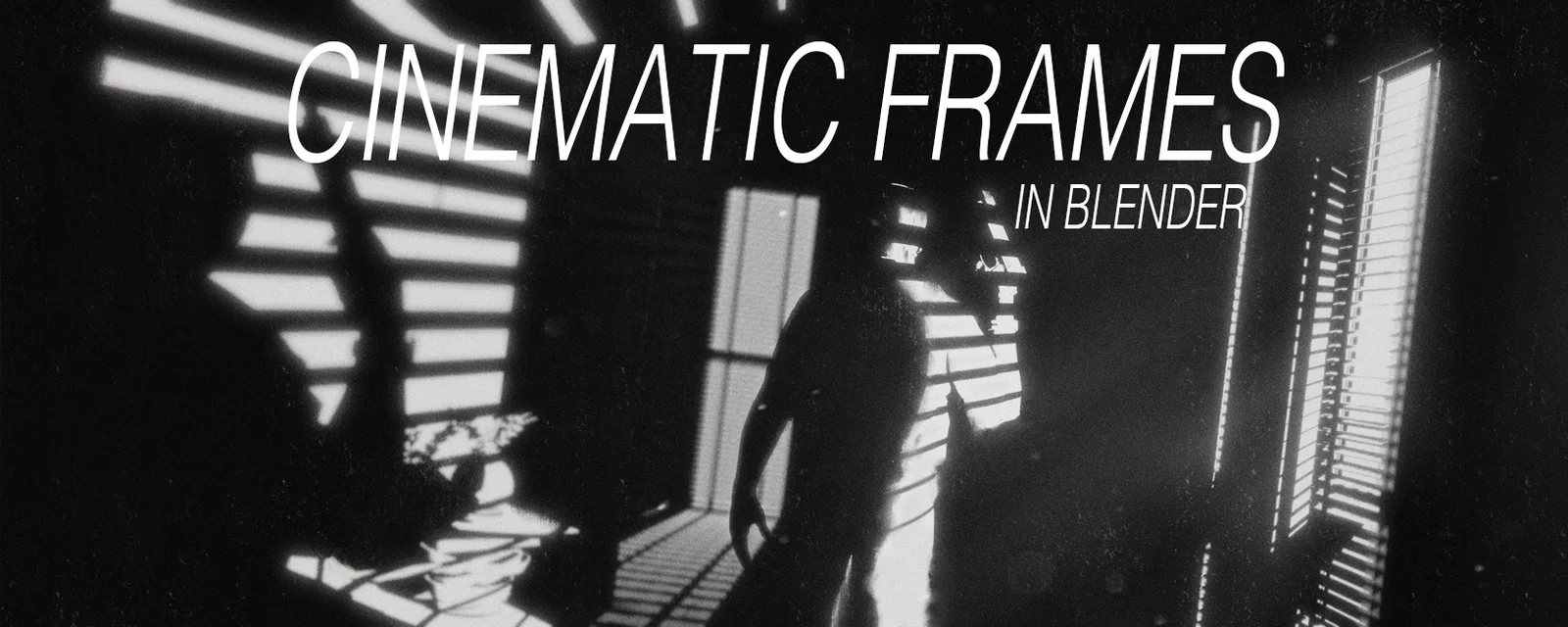
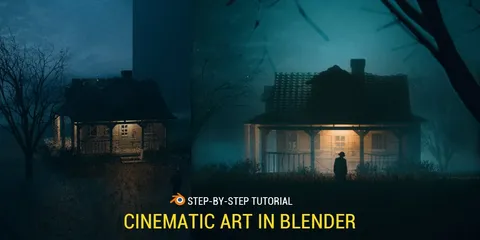
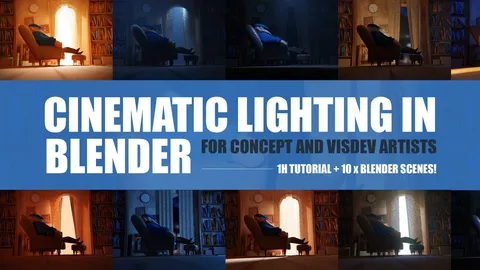
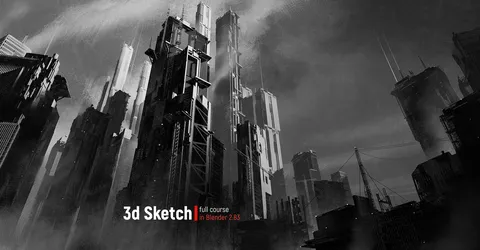
This tutorial covers the workflow for creating cinematic frames using Blender and Photoshop. The course includes 1 hour and 40 minutes of video content, beginning with a 35-minute narrated guide on scene preparation. This initial section explores shading techniques, EEVEE render engine settings, fog implementation, lighting configurations, and camera placement.
The second part consists of a one-hour video demonstrating the final 2D paint-over process. The package provides the project's PSD files and Blender files containing the 3D models used throughout the demonstration.
You might also like

4.7 Tutorial·$10

4.9 Tutorial·$3

3.4 Tutorial·$25

5.0 Tutorial·$8

Tutorial·$19

5.0 Tutorial·$14.99

Tutorial·$9

Tutorial·$17

5.0 Tutorial·$15

Tutorial·€3.50
4.9 Tutorial·$3

5.0 Tutorial·$25