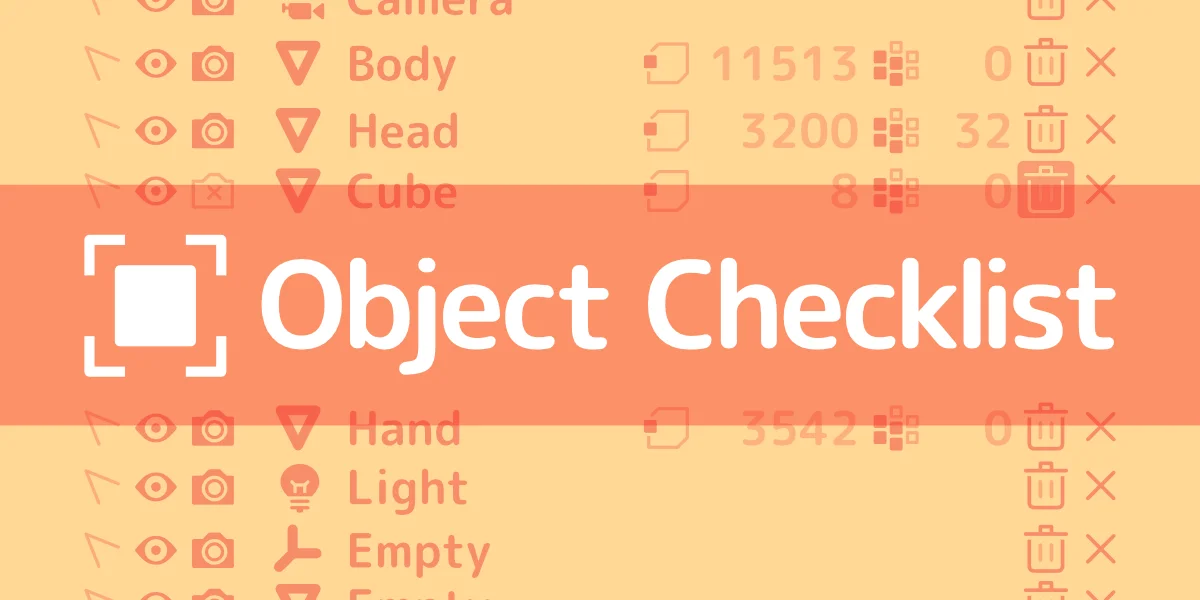
Object Checklist provides an interface for listing and filtering objects in a scene, designed for auditing data before export or final delivery. It allows you to filter objects based on various conditions, such as visibility state, selection state, unapplied rotation or scale, muted constraints, or unrendered modifiers. The list can be populated from selected objects, scene objects, all data objects, or specific collections.
The tool also displays mesh data statistics, counting the number of vertices, vertex groups, vertex colors, UV maps, shape keys, materials, and face maps for each object. From the list view, you can directly select objects, toggle their visibility and render state, rename them, or delete them. The add-on is accessed through the 3D Viewport sidebar.
You might also like