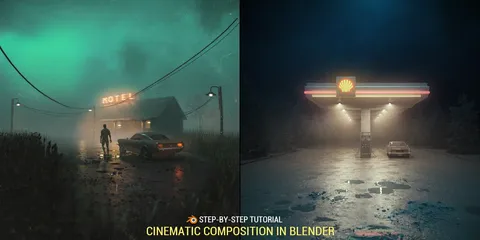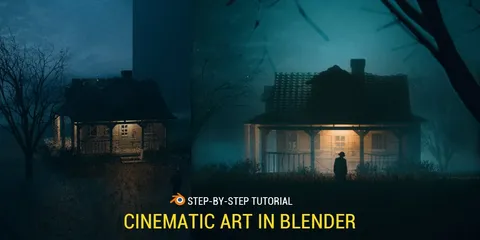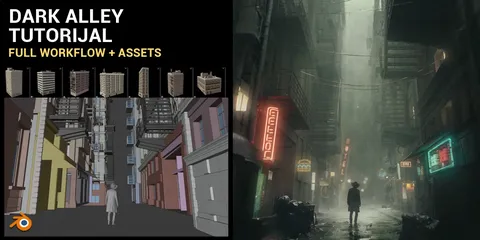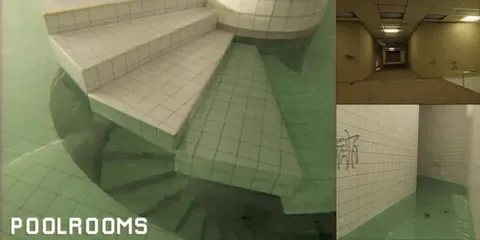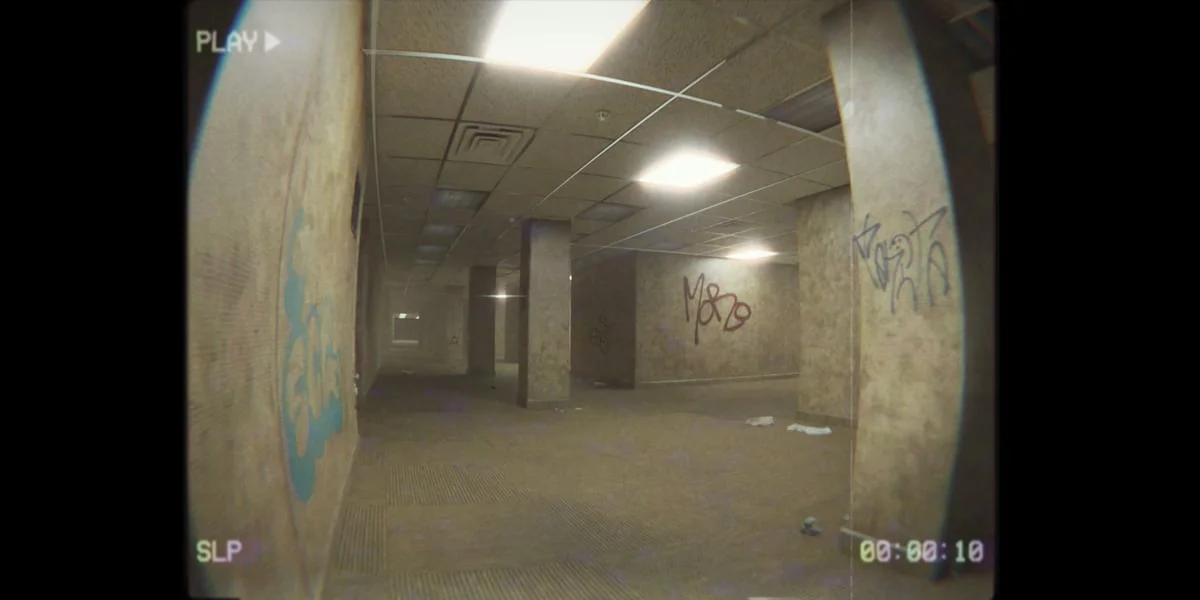
This is a 4-hour and 40-minute video tutorial covering the creation of a Backrooms cinematic scene in Blender. The series walks through the entire process from modeling the iconic maze-like office environment to final compositing and post-processing.
The tutorial covers modeling walls, ceilings, and details like ventilation, smoke detectors, pipes, cables, and trash. It includes material creation, camera setup, lighting, and compositing within Blender. The instruction also details camera animation techniques, importing and animating a creature from Mixamo, and adding atmospheric elements like mist, camera imperfections, graffiti, and dirt. A section on post-processing in After Effects (optional) and adding VHS overlays and sound effects is also included.
You might also like