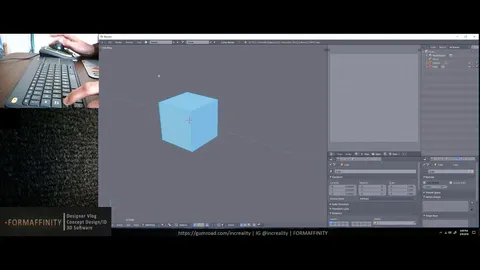
This set of scripts utilizes AutoHotKey to modify viewport navigation behavior in Blender, aiming to improve ergonomics and reduce finger strain. It replaces the default requirement of holding down the middle mouse button to tumble or rotate the view with a simple toggle system.
By pressing and releasing the Alt key, users activate the rotation function, which remains active until Alt or another alphabetical key is pressed again. Similarly, pressing and releasing the Shift key toggles the pan and track function, eliminating the need to hold Shift and the middle mouse button simultaneously. The utility includes a double-press option and is designed specifically for Windows operating systems.
You might also like

5.0 Addon·Free

4.9 Addon·Free

4.8 Addon·Free+

5.0 Addon·$2
5.0 Addon·$9

5.0 Addon·Free

2.0 Addon·$10

Addon·Free+

Addon·Free

5.0 Addon·Free

1.0 Addon·$15

4.2 Addon·Free