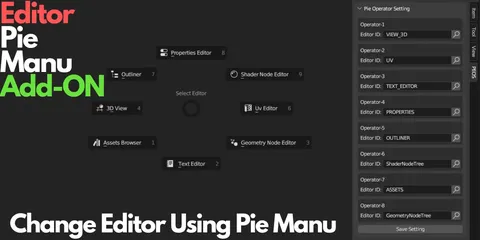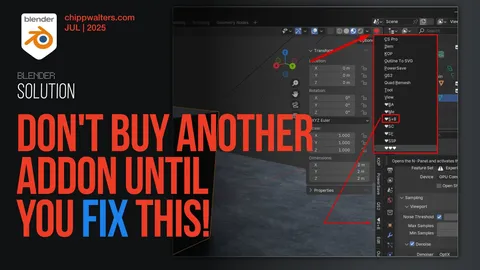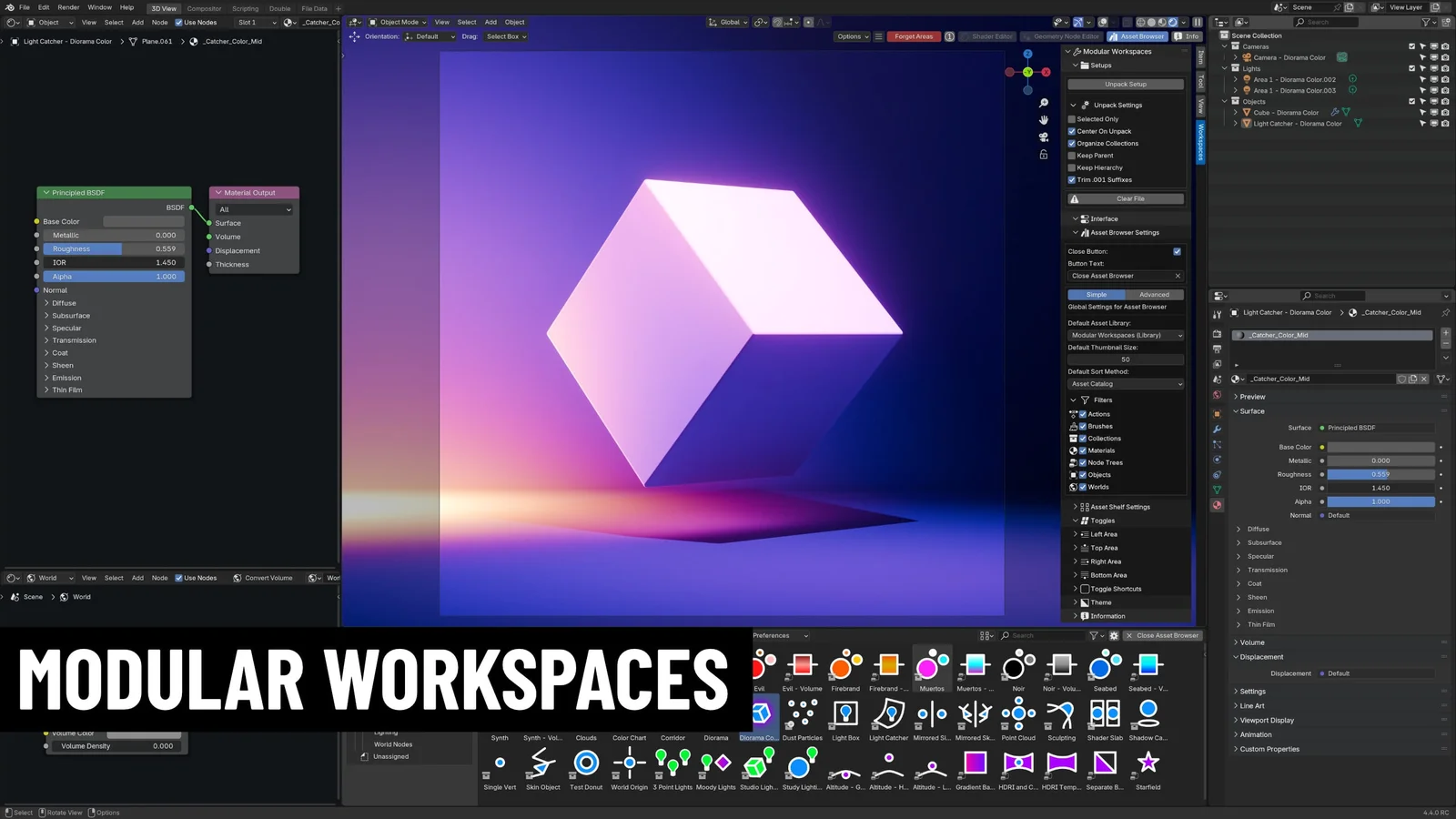
Modular Workspaces provides tools to customize the Blender interface by adding editor toggle buttons to the 3D view. These buttons allow you to quickly open and close editors, such as the Asset Browser, directly from the viewport. The toggles are customizable, supporting renaming, icon-only display modes, and custom icons. A pie menu offers an alternative input method for accessing these toggles, with customizable keybindings through the addon panel.
The tool also includes operations for managing collection assets. A sidebar tab provides functions to unpack, center, separate, and organize collection content automatically upon dragging it into a scene. Unpacking settings allow you to retain parent-child hierarchies and trim object names. The addon supports per-workspace customization, enabling different default Asset Browser settings and asset filters for each workspace. An optional asset library file is included, providing customizable preset collections, node groups, and lighting templates for character rendering.
You might also like