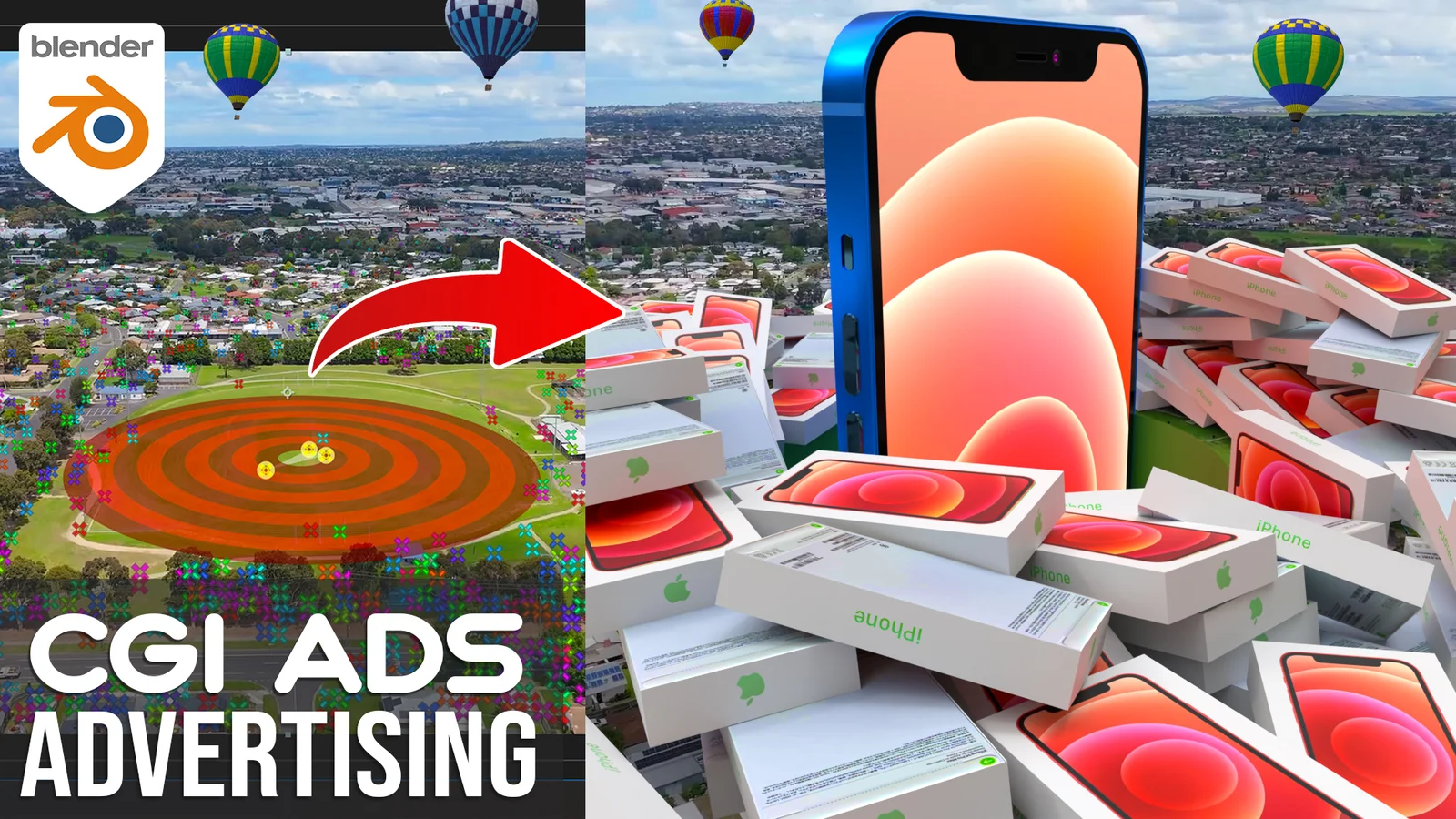
This video tutorial guides users through the process of creating a 3D iPhone CGI advertisement using Blender. The step-by-step training covers the complete visual effects workflow, starting with camera tracking operations in Adobe After Effects. Once the footage is tracked, the course moves into Blender to handle lighting configuration, 3D object animation, and final compositing to seamlessly blend the digital product with live-action video.
You might also like

5.0 Tutorial·$59

Tutorial·$5

Tutorial·$30


5.0 Tutorial·$50


5.0 Tutorial·$20

5.0 Tutorial·$20

Tutorial·$5

4.3 Tutorial·$185

4.8 Tutorial·$60

Tutorial·$40
Tutorial·$2
