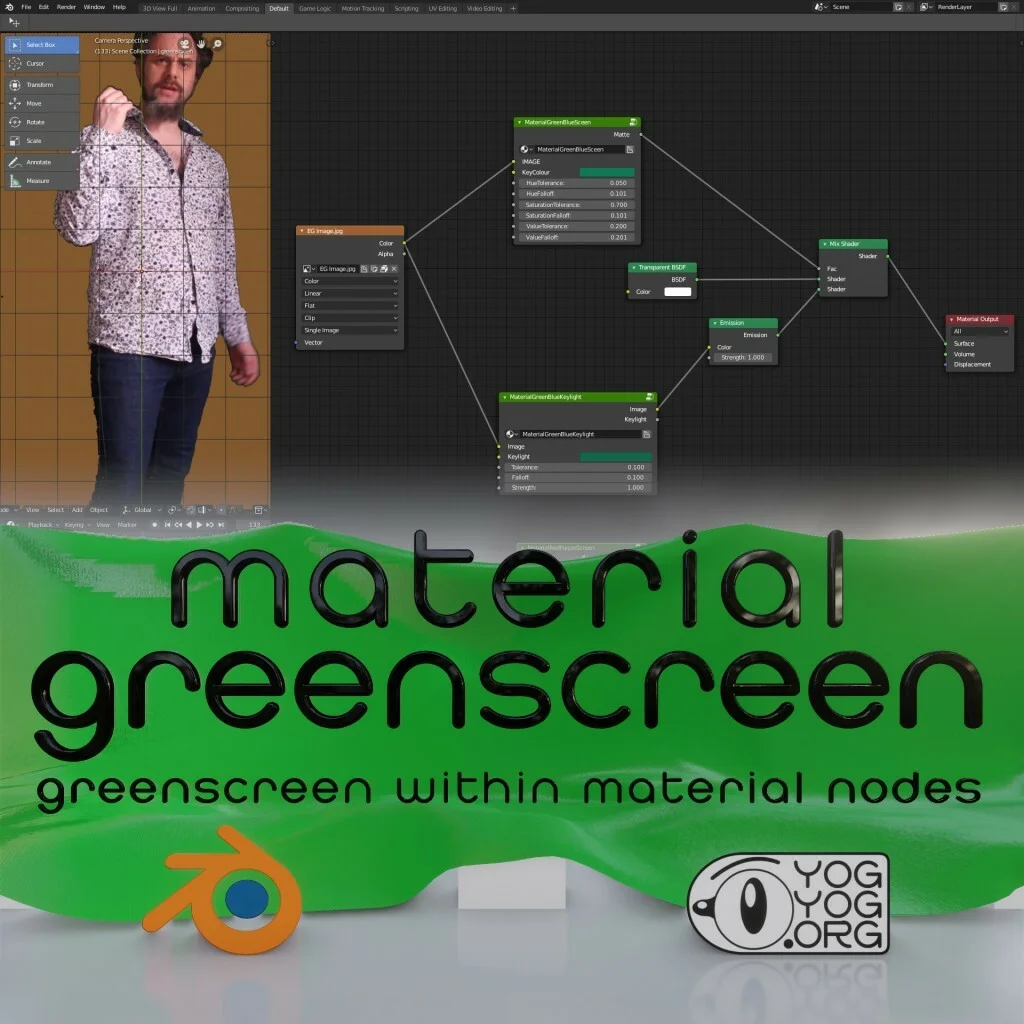
This material node setup allows you to key out greenscreen footage directly within Blender's Shader Editor. Designed for the EEVEE render engine, it enables you to apply footage to planes in 3D space and remove the green background without leaving the material workflow. This approach lets you integrate live-action footage as two-dimensional elements within your 3D scenes, facilitating 3D camera movements around the keyed footage.
You might also like

5.0 Shader·$1

5.0 Scene·Free

3.3 Tutorial·€15

5.0 Shader·Free

Shader·Free

Addon·$2