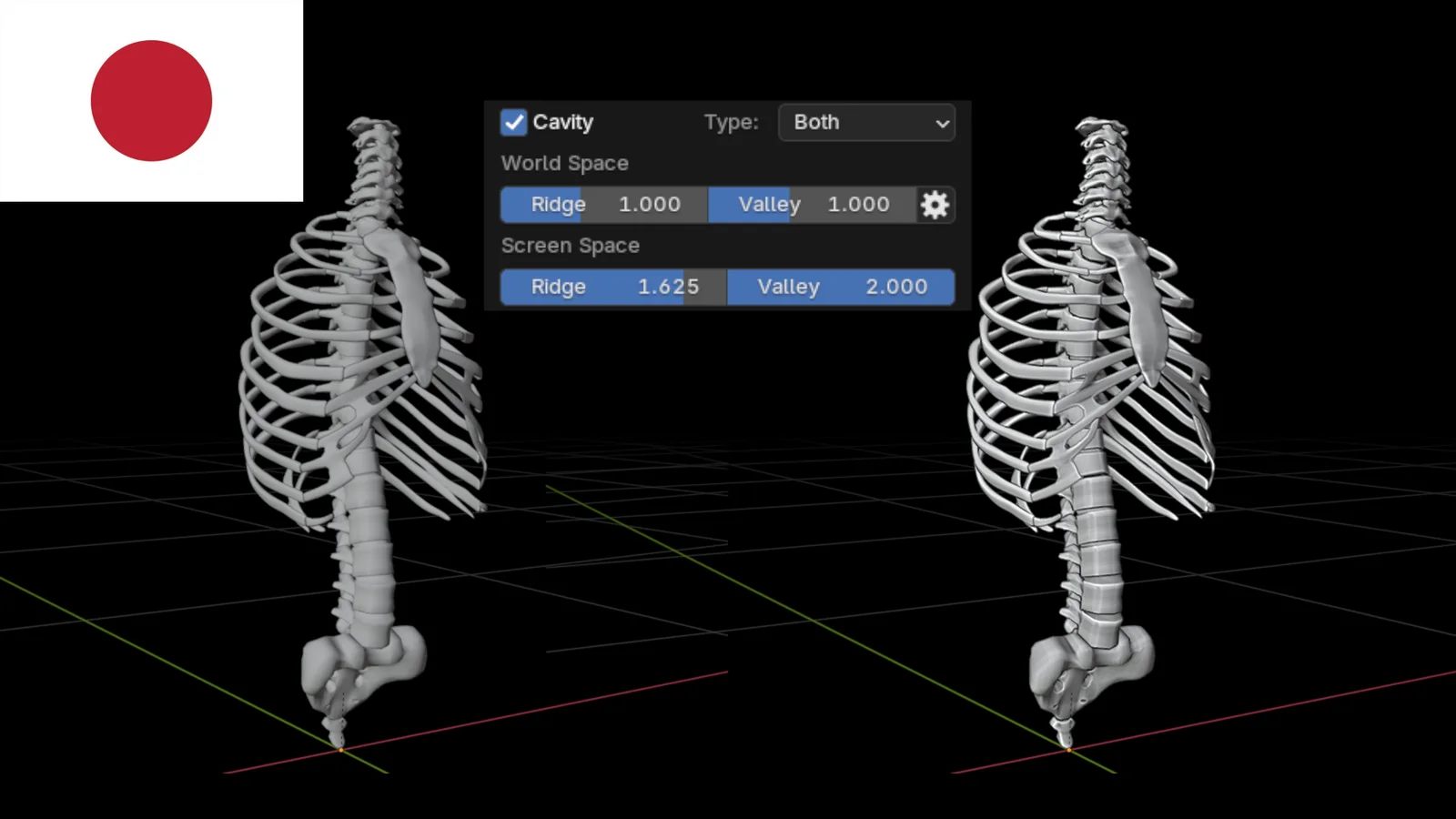
This tutorial explains how to use the Cavity option in Blender's 3D viewport. It demonstrates how to enable the setting through the Viewport Shading menu when using the Solid display mode. The guide focuses on using this feature to highlight the ridges and valleys of a 3D model for better visibility during the modeling process. The material is provided as a PDF in Japanese and includes a link to an accompanying video tutorial.
You might also like

Tutorial·Free
Tutorial·Free
Tutorial·Free
Tutorial·Free
Tutorial·Free
Tutorial·Free
Tutorial·Free
5.0 Tutorial·Free
Tutorial·Free