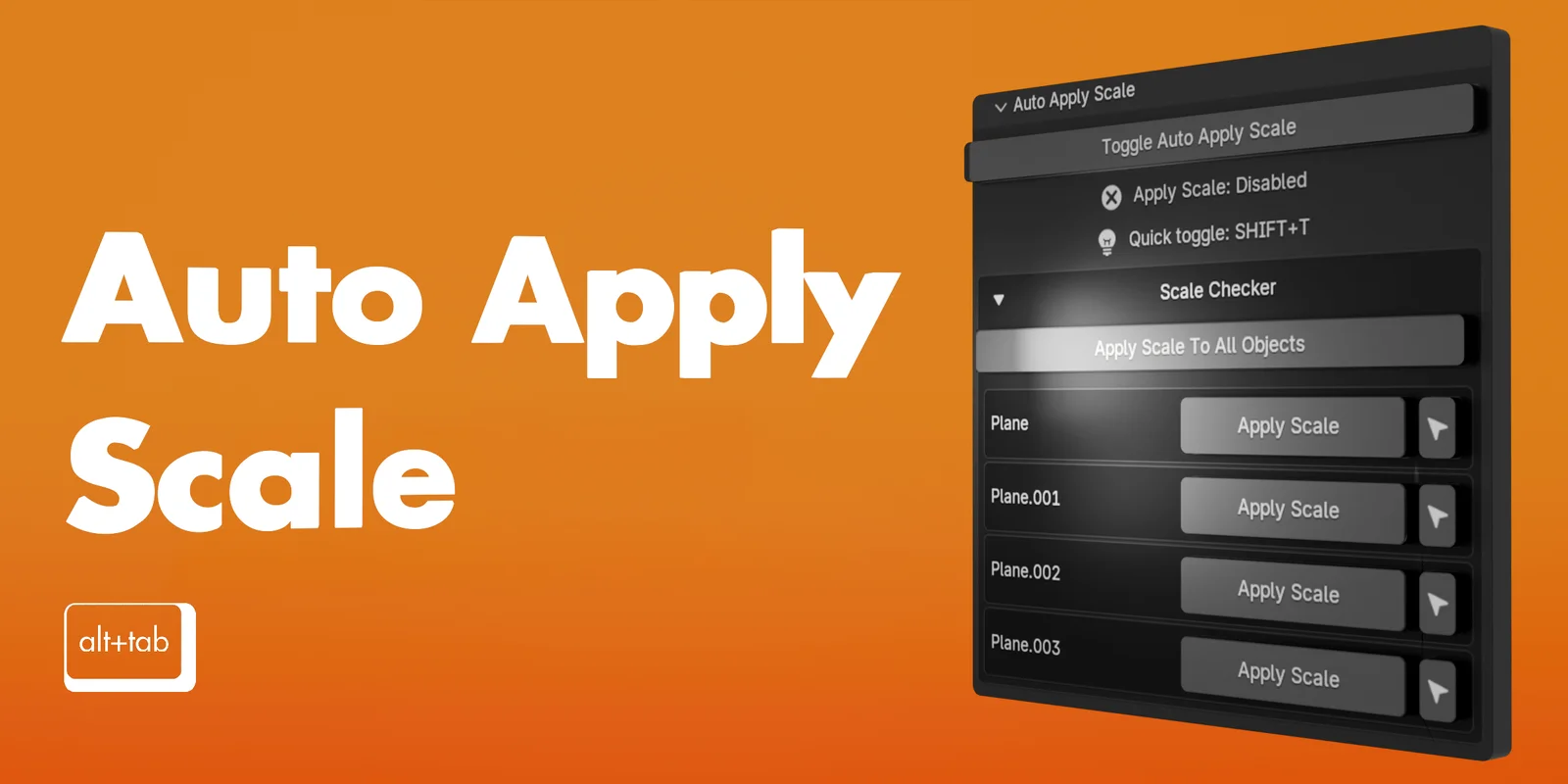
Auto Apply Scale is a utility addon that automatically applies scale transforms to objects during the modeling process. By automating this step, it prevents common issues associated with unapplied scales, such as distorted modifiers, inconsistent bevels or insets, stretched UVs, and improper rig deformations.
The tool integrates directly into Blender's native Item panel. It features a Scale Checker dropdown that lists all objects in the scene with unapplied scales, allowing users to apply scale to individual objects or batch-apply to the entire list with a single click. The auto-apply behavior can be toggled on or off via the UI or a custom hotkey, and users can specify which object types are affected by the automation, including meshes, armatures, empties, and curves.
You might also like