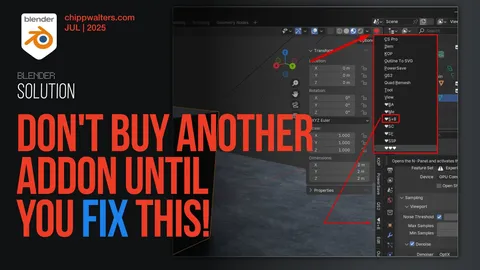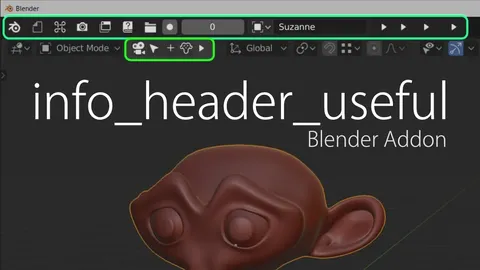
Info Header Useful transforms Blender's standard text-based headers into a compact, icon-driven interface. This modification is designed to maximize screen space, making it particularly suitable for laptop users or single-monitor setups utilizing multiple split views. The interface adjustments apply to the Topbar, 3D Viewport, Image Editor, Text Editor, Preferences, Graph Editor, and Dope Sheet.
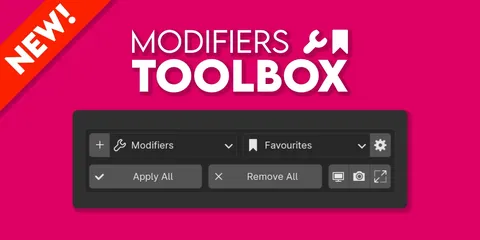
The tool introduces color-coded headers that change depending on the current mode or state, providing immediate visual feedback. The header turns red when auto-keyframing is active, yellow when Dyntopo is enabled in sculpt mode, green during mesh editing, and blue when modifying shape keys. Additionally, the add-on provides bulk operation buttons for modifiers, constraints, and bone constraints, allowing users to collapse, expand, toggle visibility, or delete all items simultaneously.
You might also like